You set up a campaign, shorten your links with a marketing URL shortener, drop them into an email or ad, and wait. Then the report comes back: 847 clicks. That's it. No breakdown by referrer. No device split. No way to tell if the click came from the Instagram story, the email footer, or the paid ad you spent $2,000 on. The problem isn't that you used a URL shortener. The problem is that you used a basic one when your campaign needed a marketing-grade tool.
There's a real difference between the two, and it affects every decision you make after a link goes live. Binko was built specifically to close that gap, giving marketers the link intelligence that generic tools throw away. This guide walks through exactly what separates a marketing URL shortener from a simple compression tool, which features actually matter for campaign tracking, and how to match your tool to your campaign type before you go live.
Ready to skip ahead? Try Binko free, no credit card required.
What separates a marketing URL shortener from a basic one
A basic shortener does one thing: it takes a long URL and makes it shorter. It might give you a total click count at the end of the week. That's the full extent of its usefulness as a campaign tool, which is to say, not very useful at all.
The job a short link actually does in a campaign
Every link you share in a campaign carries invisible context: the channel it came from, the device the user opened it on, the country they're in, and which creative variant drove the click. A marketing-grade shortener is designed to capture and surface that data. A basic shortener discards it the moment the redirect fires. That data loss compounds over time because every campaign where you can't attribute performance is a campaign where you're guessing, not learning.
Why branded domains change the trust equation
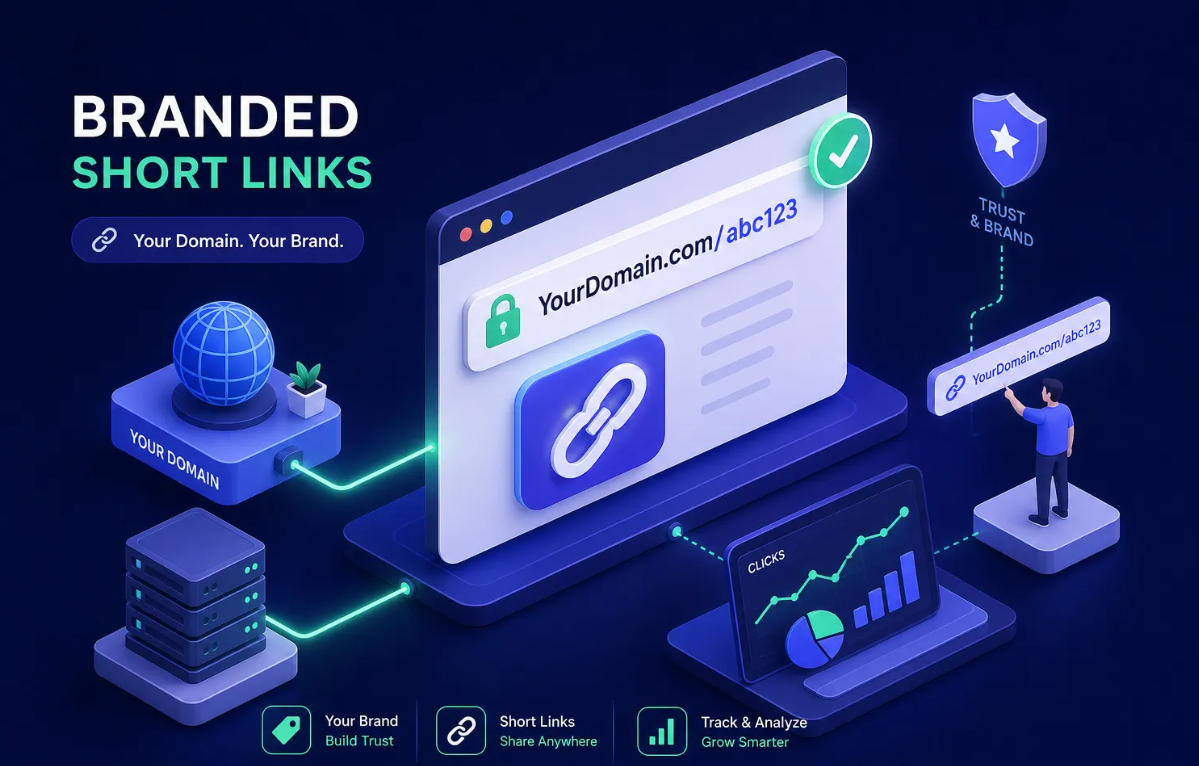
A short link under your own custom domain, like go.yourbrand.com, performs differently from a generic shortener domain in both email and social contexts. Industry benchmarks consistently report a CTR lift from branded links of around 34% versus generic alternatives, with some analyses showing up to a 39% relative increase. In email especially, branded domains reduce pre-click hesitation because readers recognize the sender and the domain together.
Branded custom domains aren't a premium add-on for large teams; they're a baseline requirement for any link you're putting spend behind.
Why generic link shorteners fail campaign tracking
.png)
The analytics gap that costs real performance data
With a basic shortener, you lose the referrer split entirely, so you can't tell which channel drove the click. You lose geo data, device, browser, and OS breakdowns, and any UTM context that wasn't already baked into the destination URL. Tools like TinyURL provide only click counts and limited geographic information, a fundamentally different category from a dedicated link shortener with analytics built for campaign work. The result is that you're running blind on every optimization decision during the campaign's active window.
The fragmentation problem with single-purpose tools
Many marketing teams stitch together a shortener, a QR code generator, a link-in-bio tool, and a separate analytics dashboard, each with its own login, pricing, and data format. Attribution becomes inconsistent because each tool counts clicks differently. Data that should connect, the QR scan from the flyer and the link click from the email, lives in completely separate places. Running attribution across separate platforms consistently produces inconsistent data. A single platform removes that problem.
The features that matter most for campaign link management
Click analytics, referrers, and real-time data
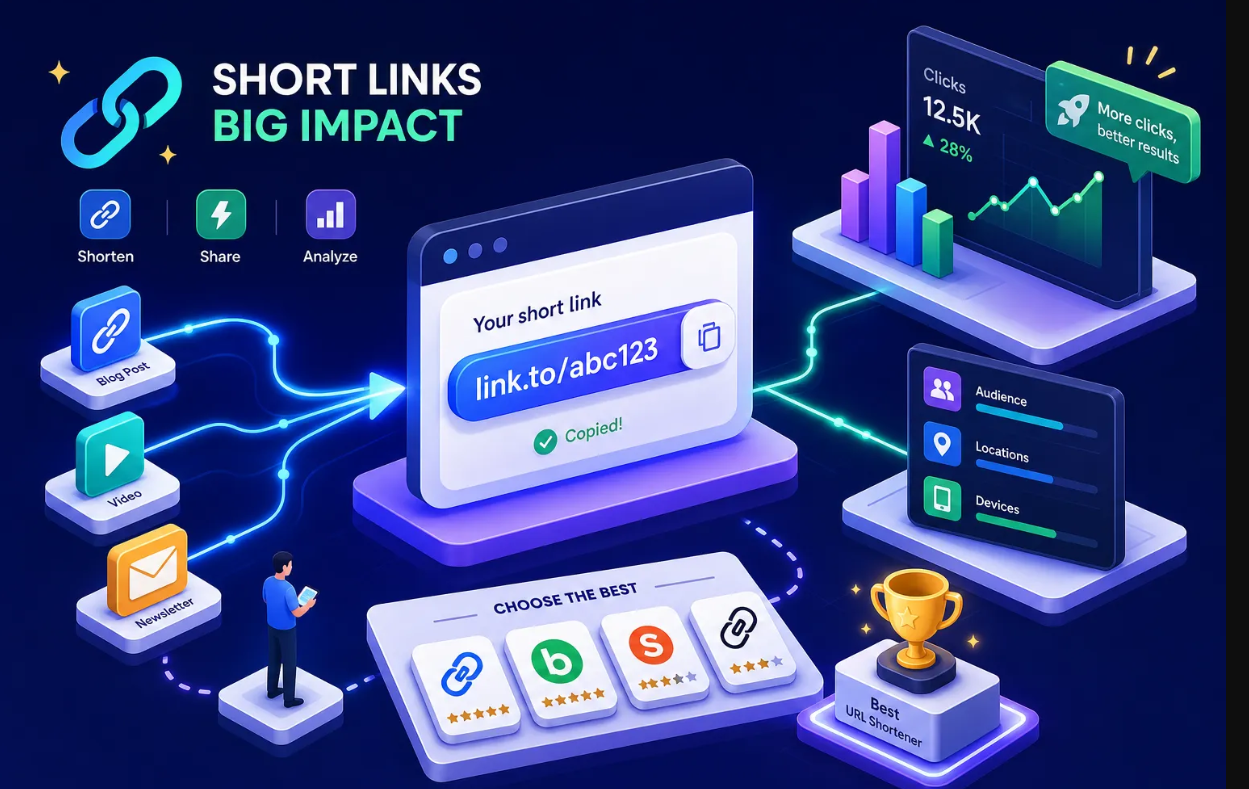
The analytics layer in any solid campaign link tracker should give you unique versus total clicks, referrer data broken out by source, device, browser, and OS breakdowns, and country and city-level geo data. Real-time dashboards matter for live campaigns because you need to catch underperforming links and redirect spend quickly, not in a weekly email digest.
Geo-targeting, device targeting, and smart redirects
Smart targeting means sending a US visitor to one landing page and a UK visitor to another, or routing iOS users to the App Store and Android users to Google Play from a single shared link. This works by reading the visitor's IP address at click time and applying routing rules before the redirect fires. For multi-market campaigns, geo and device targeting aren't advanced enterprise features; they're how you avoid sending the wrong audience to the wrong page at scale.
A/B testing links and branded custom domains
Link-level A/B testing splits traffic between two destination URLs so you can test headlines, offers, or landing page layouts without changing the short link itself. Several platforms support this natively. Pair A/B testing with a branded custom domain and you have the two clearest markers of a branded link shortener built for serious campaign work rather than casual link sharing.
QR codes and link management in the same workflow
QR codes solve the same problem as short links, just from a physical surface rather than a digital one. Keeping them in a separate tool creates the same attribution problem that using a basic shortener creates. When QR scan data and link click data live in different systems, connecting them to a single campaign view becomes nearly impossible, and that gap quietly undermines your attribution accuracy.
Why disconnected QR tools break campaign attribution
Most standalone QR code generators create static codes: the destination URL is baked into the code and can't be changed without reprinting. More importantly, scan data lives in a completely separate dashboard from your link click data. For a marketer running a print-to-digital campaign, that means the flyer scan and the email click are counted in different systems with no way to connect them to campaign performance.
What dynamic QR codes actually give you
Dynamic QR codes inside a link management platform let you edit the destination after printing, customize the visual with your brand colors and logo, and feed scan data into the same analytics dashboard as your short links. That unified data layer is what makes cross-channel attribution possible. When your QR scan, your short link click, and your bio page visit all report into one place, you can see the full picture of how a campaign performed across every surface it touched.
How Binko bundles these features into one free-to-start platform
What you get inside Binko's link management suite
Binko's marketing URL shortener supports branded custom domains, custom aliases, and advanced targeting by geo and device. The analytics dashboard tracks clicks, countries, referrers, browsers, and devices at the link level. A/B testing lets you split traffic between two destinations without changing the shared link. Dynamic QR code generation includes brand color customization and logo embedding, with scan data feeding directly into the same analytics view as your short links.
The free-to-start model and when to upgrade
Binko's free tier requires no credit card and gives you enough to test on a live campaign before committing. The Pro plan adds branded domains, deeper analytics, A/B testing, smart targeting, and team access with role-based permissions. The free entry point is a genuine starting point, not a stripped-down trial designed to frustrate you into upgrading.
How to pick the right shortener for your next campaign
Match your shortener to your campaign type
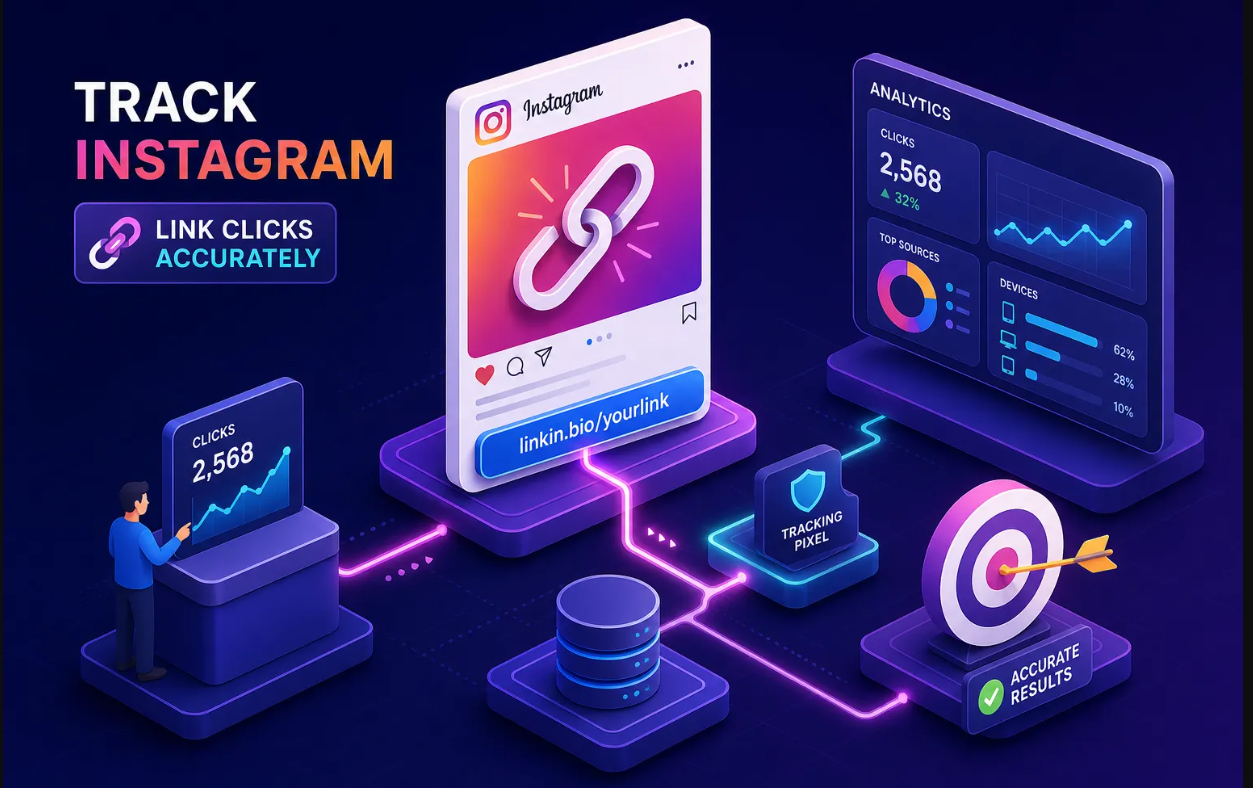
Social media campaigns call for a branded domain, referrer analytics granular enough to distinguish Instagram from TikTok from YouTube, and a link-in-bio integration that feeds the same analytics dashboard. Without that referrer detail, you're allocating social spend on instinct.
Paid ads campaigns put a premium on UTM capture, real-time click data, and A/B testing. You need to know within hours, not days, whether a landing page variation is outperforming the control. Every hour you wait on data is budget spent on a guess.
Print or out-of-home campaigns make dynamic QR codes non-negotiable. Editable destinations and scan tracking give you flexibility after the asset prints. Static QR codes offer no attribution and no flexibility once they're live.
Using a marketing URL shortener for paid ads: the fastest path to live
The minimum viable setup that puts you ahead of most campaigns is straightforward: connect a branded domain, shorten your first campaign URL with UTM parameters already appended, share the link, and check the analytics dashboard after 48 hours. That setup gives you referrer data, device breakdowns, and geo information. A generic shortener would have discarded all of it.
The bottom line on choosing a marketing URL shortener
A marketing URL shortener is a campaign intelligence tool first and a link compressor second. The compression is table stakes. What actually determines whether a tool earns its place in your stack is whether it captures and surfaces the data your campaigns depend on: branded domains, real-time click analytics, referrer and geo breakdowns, device targeting, A/B testing, and integrated QR code tracking.
If you're making campaign decisions based on data, the tool you use to shorten your links should be feeding that data, not discarding it at the redirect. Generic shorteners discard most of it. A platform built for marketing doesn't.
Binko is free to start, no credit card required. Set up a branded short link for your next campaign and check what the analytics dashboard shows you after 48 hours. That first report will show you exactly what a basic shortener was discarding.
Frequently asked questions about marketing URL shorteners
What is a marketing URL shortener?
A marketing URL shortener is a link management tool that does more than compress long URLs. It tracks click analytics, referrer sources, geo and device data, and supports branded custom domains, giving marketers the attribution data they need to optimize campaigns.
How is a branded link shortener different from a free shortener?
A branded link shortener lets you use your own custom domain (like go.yourbrand.com) instead of a generic domain. This improves click-through rates, builds audience trust, and keeps your brand visible at every touchpoint. Industry benchmarks report CTR lifts of around 34% for branded links versus generic alternatives.
Do I need a link shortener with analytics for paid ads?
Yes. Paid ad campaigns require real-time click data, UTM parameter capture, and A/B testing to make fast optimization decisions. A basic shortener that only reports total clicks leaves you unable to tell which ad, audience, or landing page is driving performance.
What is a campaign link tracker?
A campaign link tracker is a URL shortener or link management platform that captures detailed data for every click, including the referrer source, device type, browser, operating system, and geographic location. This data feeds directly into campaign reporting and optimization workflows.
Can I use one platform for short links and QR codes?
Yes, and it's the recommended approach. Platforms like Binko combine short link management and dynamic QR code generation in a single dashboard so scan data and click data report together, enabling true cross-channel attribution instead of disconnected numbers from separate tools.
How much does a marketing URL shortener cost?
Costs vary by platform and feature tier. Binko offers a free plan with no credit card required, covering core link shortening and analytics. The Pro plan unlocks branded custom domains, A/B testing, smart geo and device targeting, and team permissions for marketers running campaigns at scale.