A link like bit.ly/xk3q9a tells your audience nothing. It looks random, it could go anywhere, and in an era where phishing links are everywhere, "random" means "skipped." A link like go.yourbrand.com/summer-sale does the opposite: it signals exactly who sent it, where it leads, and that the sender is running a real operation. That difference shows up directly in clicks.
Industry data, including figures cited in Bitly's link performance research, points to branded short links generating roughly 34% to 39% higher click-through rates compared to generic shorteners, with the biggest gains in email and paid social where trust is the entire conversion mechanism. This guide explains exactly how to set up branded short links with your own domain so you can capture that same lift.
The complete setup covers picking a short domain, configuring DNS, enabling HTTPS, and creating your first trackable branded link using Binko as the platform. DNS verification and SSL provisioning are often done in minutes, though you should allow up to 24, 48 hours in some cases depending on your registrar and DNS provider. No server management, no code, no developer required, just a domain, your registrar login, and a Binko account.
Why Branded Short Links Outperform Generic Ones
The Trust Gap Between Branded and Generic Links
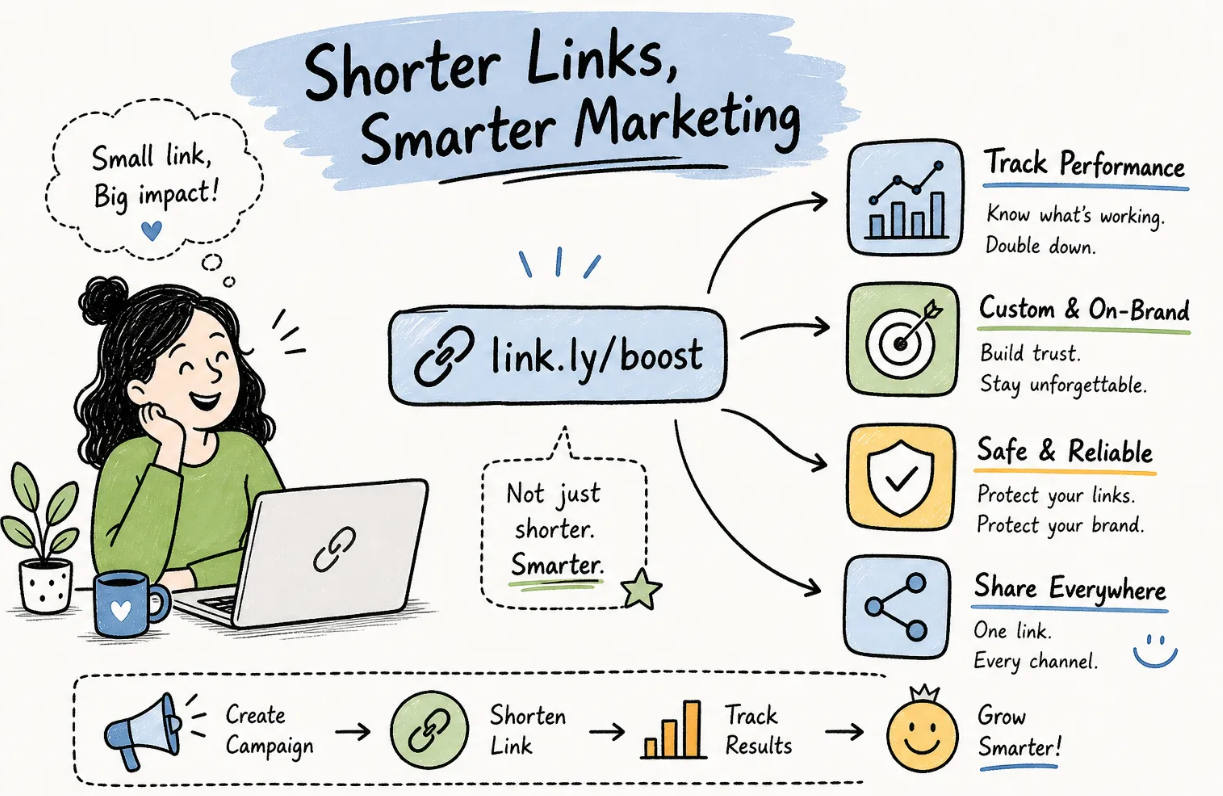
Generic short links from shared shorteners carry no visual context. When someone sees bit.ly/xk3q9a in a caption or an email, they have no idea who created it or where it leads. A custom short URL with your brand name in the domain removes that ambiguity instantly. The reader sees your brand before they click, which signals legitimacy and reduces hesitation. That's the mechanism behind the CTR lift: branded links aren't just prettier, they're more persuasive because they look like something a trusted source actually sent.
This matters most in channels where trust is the conversion bottleneck: email campaigns, paid social ads, and text messages. In those contexts, a generic link is a friction point. A branded link is a confidence signal.
What Branded Short Links Do for Your Analytics
When you use a branded domain you control, every click ties back to your analytics dashboard, not a third-party's aggregate data pool. Beyond ownership, custom aliases like /black-friday or /podcast-ep42 make campaign-level reporting clean and readable. You can see at a glance which campaign drove traffic without decoding a string of random characters.
To get all of that, you first need to connect your own custom short link domain to the platform, which is exactly what the rest of this guide covers.
Picking the Right Short Domain for Your Brand
.png)
How to Choose a Short, Memorable Domain Name
The practical criteria are straightforward: keep the full domain under 15 characters, match your brand name or a recognizable abbreviation, and avoid hyphens. Hyphens are harder to say out loud, easier to mistype, and they reduce perceived trust. For the TLD, reach for .co, .io, .link, or .ly if your main .com domain is too long to work as a short link.
A brand called Acme Corporation shouldn't use acmecorporation.com as its shortener domain. Instead, acme.co or go.acme.com keeps the URL tight while keeping the brand visible. Before committing to a domain, run a quick test: can someone spell it from hearing it spoken? Can they type it correctly from a business card or product packaging? If either answer is no, keep trimming.
Apex Domain vs. Subdomain: Which Setup to Use
Most users should start with a subdomain like go.yourbrand.com. A CNAME record for a subdomain is simpler to configure than apex A-records, and the subdomain won't interfere with your main website's DNS setup. If you already have a website running at yourbrand.com, using the apex for short links could create DNS conflicts that break your site.
Reserve the apex setup for cases where you're dedicating a separate short domain entirely to link management, for example, registering ybrand.co as a standalone branded URL shortener with nothing else running at the root. In that scenario, you'll use A-records or ALIAS/ANAME records rather than a CNAME, since standard DNS doesn't permit a CNAME at the zone apex. The subdomain route is simpler and works for the vast majority of setups.
How to Set Up Branded Short Links With Your Own Domain
Setting a CNAME Record for a Subdomain (The Recommended Path)
Log into your domain registrar, Namecheap, GoDaddy, Cloudflare, or whichever you use, and navigate to the DNS settings for your domain. Create a new CNAME record. Set the host field to your chosen prefix, for example, go if you want go.yourbrand.com. Set the value to the CNAME target that your shortener platform provides.
For Binko specifically, that target is subdomains.binko.com. Binko displays this value inside its dashboard during the domain connection flow, so you'll have it on screen when you need it. Set the TTL to somewhere between 300 and 3600 seconds. A lower TTL means faster propagation if you need to make corrections; a higher TTL reduces DNS query load over time.
Once you save the record, DNS propagation begins. Most CNAME changes resolve within minutes to a couple of hours, though some providers hold cached records for up to 24 hours. Binko checks for the record automatically and notifies you once it verifies successfully.
Setting A Records for an Apex/Root Domain
This path is less common, but if you're registering a dedicated short domain with nothing at the root, here's what you need. Pointing an apex domain at a shortener requires A-records rather than a CNAME, because standard DNS doesn't allow a CNAME at the zone root. Create two A-records at the @ host, each pointing to the platform's designated IP addresses. Some registrars and DNS providers, like Cloudflare, support ALIAS or ANAME records at the apex, which function similarly to a CNAME but are permitted at the root level.
SSL and HTTPS: How It Gets Handled Automatically
Once DNS verification passes, Binko auto-provisions an SSL certificate via Let's Encrypt with no manual action on your part. You don't generate a certificate, you don't install it, and you don't set a renewal reminder. The platform handles all of it through the ACME protocol. It detects the new domain, validates your DNS control, requests a certificate, and attaches it to your domain's HTTPS endpoint. Renewal is automatic, typically triggered around 30 days before expiry.
HTTPS isn't optional here. An unencrypted http:// link triggers browser security warnings and undermines the trust you built by using a branded domain in the first place. Modern browsers flag HTTP connections actively, and some email clients and security filters may treat non-HTTPS links as suspicious, erasing the credibility advantage that a branded link is supposed to deliver.
Setting Up Your Branded Domain Inside Binko
Adding Your Custom Domain to Your Binko Account
Sign up for a Binko account at binko.com and log into your dashboard. Navigate to the branded domains section and click to add a new domain. Enter your custom subdomain or apex domain in the input field. Binko immediately displays the CNAME target value (subdomains.binko.com) that you'll copy into your registrar's DNS settings.
After you've added the DNS record at your registrar, return to Binko and confirm. The platform begins checking for the record. Once propagation completes and the record resolves correctly, Binko marks the domain as verified and provisions your SSL certificate automatically. This often takes just a few minutes; in slower propagation environments, it can take up to a few hours or, in rare cases, longer. You'll see a green verified status in the dashboard when everything is live.
Creating Your First Branded Short Link
With your domain verified and active, creating a branded link is quick, typically a minute or less. Paste the destination URL into Binko's link creation form, select your verified custom domain from the dropdown instead of Binko's default domain, and set a custom alias. Keep the alias short, lowercase, and campaign-specific: /welcome, /spring-sale, /youtube. A clean alias makes campaign reporting readable without any decoding later.
Once you click create, Binko generates the full branded short URL and makes it immediately copyable and shareable. Test it right away by opening it in a browser, confirm the redirect fires, check that the browser shows HTTPS before redirecting, and verify that the destination page loads correctly.
Activating Analytics Tracking on Every Link
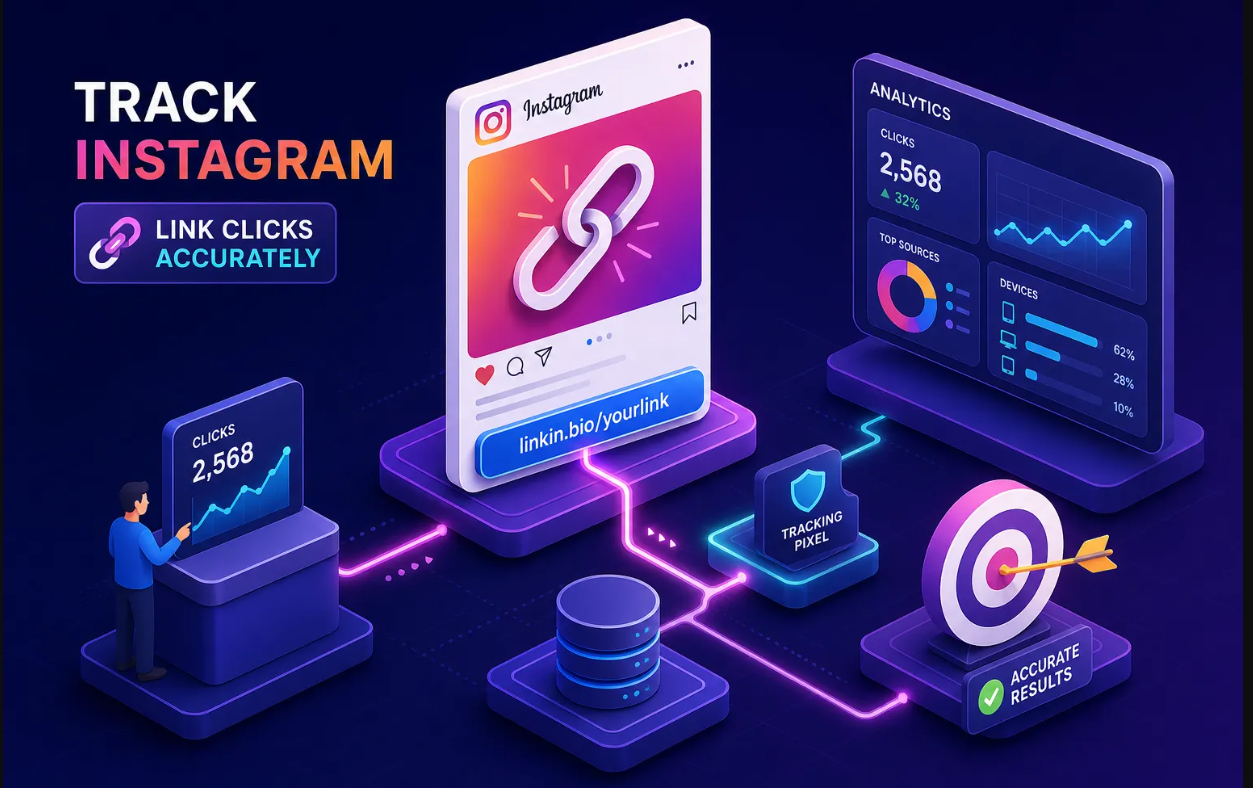
Tracking is on by default for every link you create in Binko. The analytics dashboard is designed to capture click volume, geographic breakdown by country, referrer source, device type, and browser. For paid campaigns, append UTM parameters to the destination URL before shortening. That way, Binko's click data and your Google Analytics or Meta Ads reporting stay in sync.
Testing Your Branded Links and Reading the Data
How to Confirm Your Link Works Correctly
After creating your first branded short link, open it in a private browser window or on a mobile device. Confirm three things: the browser address bar shows HTTPS before redirecting, the branded domain appears correctly in the URL, and the destination page loads without errors. If you've added UTM parameters, verify they appear intact in the destination URL.
Reading Your First Click Data in the Binko Dashboard
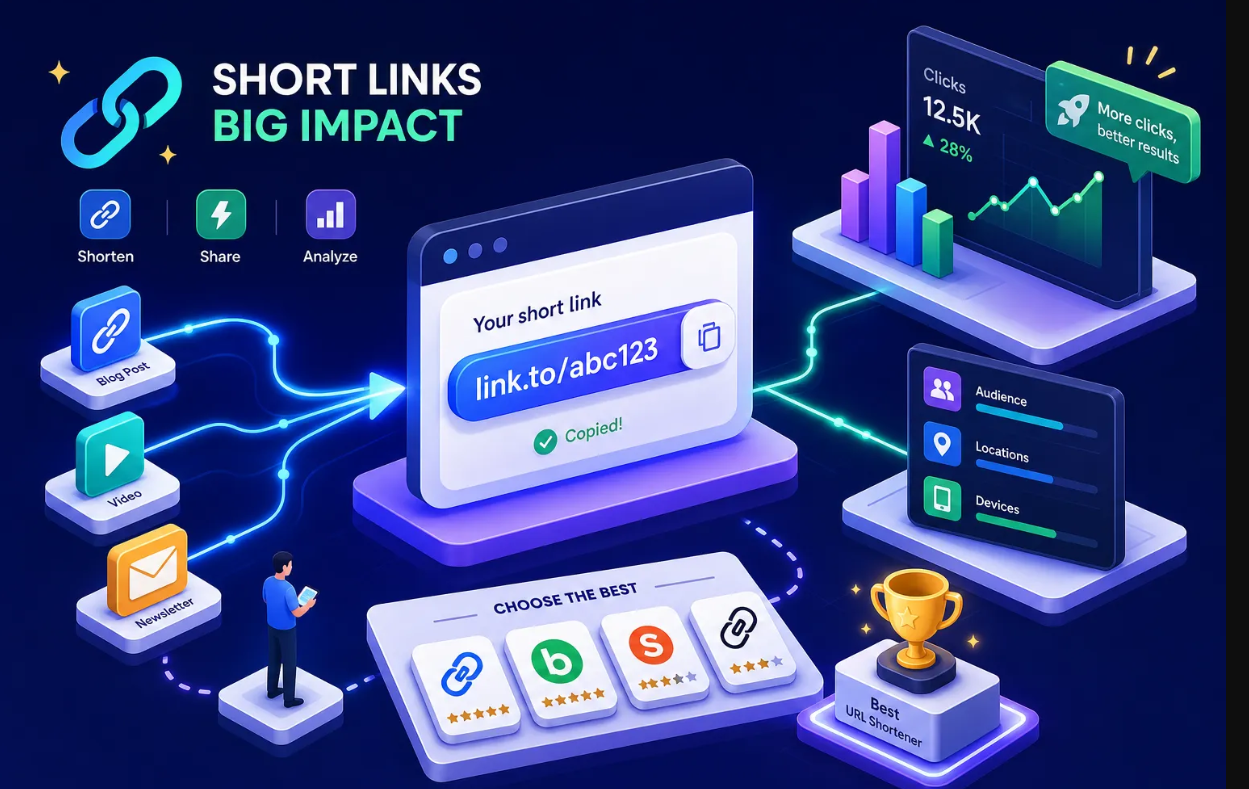
After your first real click lands, Binko's analytics panel shows a click counter, a map view for geographic distribution, a referrer breakdown showing where traffic originated, and a device and browser split. The referrer data is particularly useful: if you shared the link across Instagram and an email newsletter, the referrer breakdown tells you which channel drove the click.
Best Practices to Maximize Trust and Click-Through Rate
Naming Conventions and Alias Consistency
Before creating links at scale, establish a naming system. Use lowercase and keep aliases hyphen-free where possible, hyphens are harder to read aloud and can reduce trust in printed or spoken contexts. When a hyphen genuinely aids readability in a multi-word alias (such as /spring-sale), it's acceptable; just apply the convention consistently.
Tie aliases to campaign names or content topics rather than dates. Date-based aliases like /aug-2026-sale become difficult to compare across quarters; topic-based aliases like /summer-sale stay interpretable over time. Consistent naming across your Binko account makes the analytics dashboard searchable and keeps campaign comparison clean.
Monitoring, Refreshing, and Protecting Your Branded Links
Check the Binko dashboard weekly for click anomalies, especially on high-traffic links. When a landing page URL changes, update the destination on the existing branded short link inside Binko rather than creating a new one. This approach preserves your historical click data and keeps every existing share of that link working correctly.
A lapsed short domain breaks every instance of that link everywhere it was shared: social captions, email archives, printed QR codes, signage, and anywhere else it lives. Renew your short domain well before expiration and set a calendar reminder 30, 60 days out to give yourself a comfortable buffer.
Start Building With Your Own Branded Domain Today
Now you know how to set up branded short links with your own domain. The full path is four steps: pick a short domain, configure the CNAME in your registrar to point to subdomains.binko.com, connect it inside Binko, and create your first trackable branded short link. DNS and SSL provisioning are often complete within minutes, though you should allow up to 24, 48 hours in some environments.
The branded short URL isn't just a visual upgrade, it's a trust signal that protects every click you earn and gives you clean, campaign-level data to improve performance over time. Binko makes this setup accessible without a developer, a server, or a complicated tech stack. Depending on your plan, you can connect a branded domain and start creating short links with analytics from day one. As your campaigns grow, features like A/B testing, smart geo-targeting, deep linking, and team management are available when you need them.
Connect your domain, create your first link, and see exactly who clicks it. Sign up for Binko and set up your branded short link domain today.
FAQ
What is a branded short link?
A branded short link uses your own custom domain instead of a generic shortener domain. For example, go.yourbrand.com/sale instead of bit.ly/xk3q9a. Branded links build trust, increase click-through rates by 34-39%, and give you full control over your link analytics and domain equity.
How do I set up a branded short link domain?
Pick a short domain (under 15 characters), create a CNAME record in your DNS settings pointing to subdomains.binko.com, connect it inside Binko, and wait for DNS verification. SSL is provisioned automatically via Let's Encrypt. The whole process often takes just a few minutes.
Should I use a subdomain or apex domain for short links?
Use a subdomain like go.yourbrand.com for most setups. It's simpler to configure via CNAME, won't interfere with your main website DNS, and works for the vast majority of use cases. Reserve apex domain setups for dedicated short domains with nothing else running at the root.
Do branded short links improve click-through rates?
Yes, industry data shows branded short links generate 34% to 39% higher click-through rates compared to generic shorteners. The improvement is strongest in email campaigns, paid social ads, and text messages where trust directly impacts whether someone clicks.
How does SSL work with branded short links?
When you connect a branded domain to Binko, an SSL certificate is automatically provisioned via Let's Encrypt. No manual certificate generation, installation, or renewal is required. The platform handles everything through the ACME protocol.
Can I change the destination of a branded short link after creating it?
Yes, with dynamic branded short links you can update the destination URL at any time without changing the short link itself. This preserves your historical click data and keeps every existing share of that link working correctly.
What analytics do branded short links provide?
Binko tracks click volume, geographic location by country, referrer source, device type, and browser for every branded short link. Adding UTM parameters to the destination URL connects this data to Google Analytics for full campaign attribution.
How do I name my branded short link aliases?
Use lowercase, keep aliases short and campaign-specific (like /welcome or /spring-sale), and avoid dates in favor of topic-based names. Consistent naming makes your analytics dashboard searchable and keeps campaign reporting clean over time.