If you're asking what is the best URL shortener for marketers, here's the uncomfortable truth: most tools give you a number and call it analytics. You run a campaign, drive 10,000 clicks through your short link, and then open the dashboard. Total clicks: 10,247. That's it. No breakdown by country, no device split, no referrer data, no way to know whether that traffic came from Instagram, a newsletter, or a paid ad you thought was underperforming. You're flying blind at exactly the moment you need data the most.
That gap between a basic link shortener and a marketing-grade tool isn't obvious from a pricing page. Both compress URLs. Both give you a short link you can share. But one gives you the information you need to optimize a campaign, justify ad spend, and report results to a client. The other gives you a number.
For marketers who live and die by attribution, that difference is everything. Platforms like Binko exist precisely because link management for marketers isn't just about shorter URLs. It's about covering the full link lifecycle: creation, tracking, optimization, retargeting, and distribution across every channel. In this guide, we break down what actually separates the tools, where the top options fall short, and how to pick the one that fits your workflow.
What is the best URL shortener for marketers, and what separates it from a free one?
The baseline every marketer should demand
Before comparing any two tools, establish a non-negotiable floor. A professional-grade link shortener must support custom branded domains, click analytics with geographic and device breakdowns, UTM parameter support, and reliable uptime. Without those four things, the tool isn't built for marketing work, regardless of how polished the interface looks or how affordable the plan sounds.
Using a generic domain like bit.ly on paid campaigns creates two problems. First, it signals to users that the destination is unknown, which reduces trust and depresses click-through rates. Second, branded short links are directly tied to your domain in the shortener's redirect flow, which means pixel-based retargeting audiences get associated with your brand identity rather than a generic shared domain. Custom branded domains solve both problems and should be a baseline expectation, not a premium feature.
Why branded short links carry more weight than most people expect
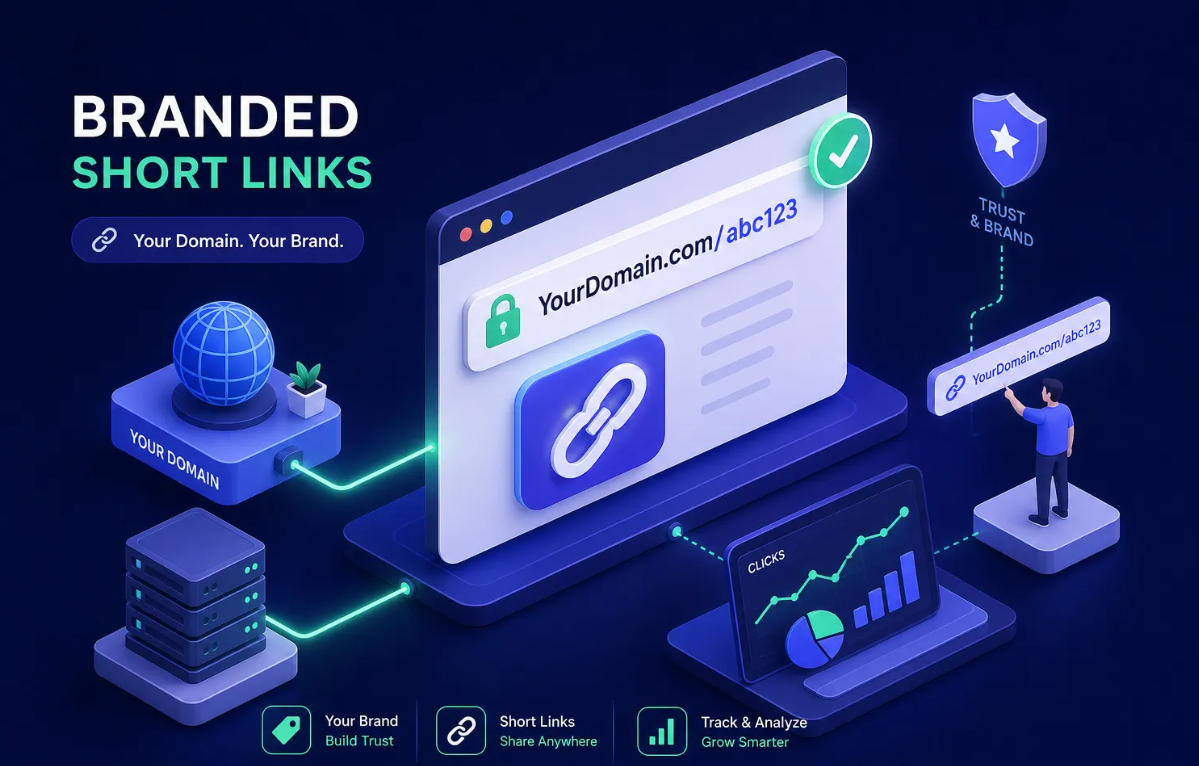
The trust gap between a branded and unbranded link is real. Industry practice consistently points to higher click-through rates for branded short links, because the domain itself signals credibility before the user decides whether to click. "go.yourbrand.com/summer-sale" tells the user exactly where they're headed and who's behind it. "bit.ly/3xKp2Qr" tells them nothing useful.
Beyond click-through rates, branded short links provide a practical benefit most marketers overlook: link equity portability. If you ever migrate platforms, a branded domain stays yours. The links you've distributed across campaigns, print materials, and social profiles continue to work, because the domain belongs to you, not the tool. Custom aliases also let you reinforce campaign messaging directly inside the URL, turning the link itself into a small piece of copywriting.
The features that make or break campaign performance
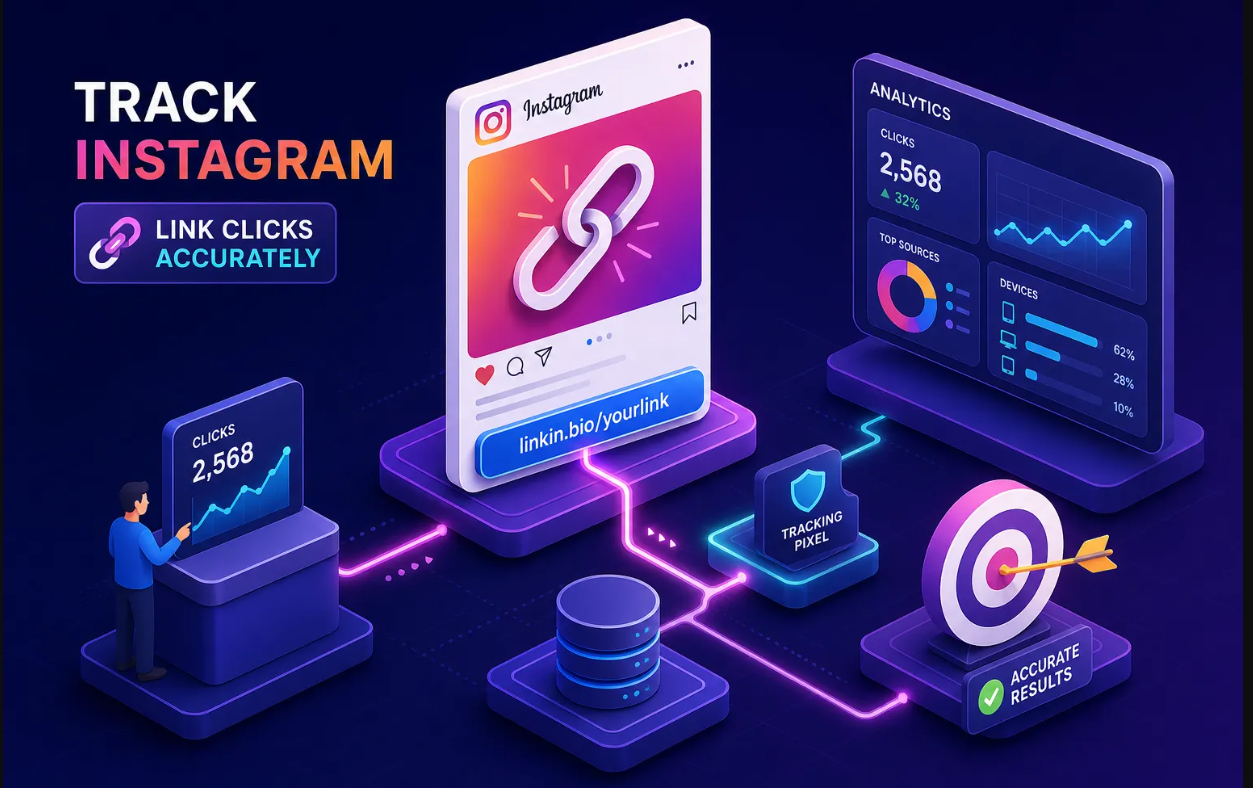
Click analytics and campaign attribution. Total click counts are nearly useless for campaign optimization. Real marketing analytics means tracking clicks by country, city, device type, browser, referrer source, and time of day. That's the data you need to decide whether to shift budget toward mobile users, which referrer channels are actually converting, and whether your geo-targeting is working as intended.
UTM automation separates strong tools from adequate ones. Some platforms let you build UTM presets so you're not manually appending parameters to every link across a multi-channel campaign. GA4 integration is a common requirement on marketing teams, and while most tools support it through Zapier, native GA4 integration is meaningfully faster to set up and more reliable in practice.
How to choose the best URL shortener for marketers: A/B testing, geo-targeting, and device routing
.png)
These three features together define what a "smart link" actually is. A/B testing splits traffic between two destination URLs so you can measure which landing page, offer, or product converts better without running separate campaigns. Geo-targeting automatically redirects users to region-specific pages based on their IP-derived location, so a single short link can send US visitors to one page and UK visitors to another. Device routing sends mobile users to the app and desktop users to the web version, which matters enormously for conversion rates on mobile-first audiences.
Not every shortener offers all three. Short.io includes A/B testing starting from its Personal plan. Bitly documents A/B testing on its blog but doesn't make the tier availability explicit on the pricing page, so confirm directly with their current plan documentation before assuming it's included. Tools like Cuttly mention free A/B/C split testing, though the analytics depth at that level is limited.
Many free and mid-tier tools either lock these features behind higher-priced tiers or don't offer them at all, which means marketers running smart campaigns have fewer real options than the crowded market suggests.
Branded short links and custom domains
Link-level retargeting is different from site-level retargeting, and it's significantly more powerful for cold traffic campaigns. Specialized shorteners let you fire a Meta, Google Ads, TikTok, or LinkedIn pixel during the redirect flow, which adds every link-clicker to a custom audience before they've even arrived at your landing page. That means you can retarget people who clicked a link in an organic post, a guest article, or a newsletter you don't own, not just people who visited your website.
Why does this matter for branded domains specifically? Because the pixel fires from your shortener's redirect, and keeping that redirect under your own domain keeps the audience data cleanly associated with your brand. Supported ad platforms across the top tools typically include Meta/Facebook, Google Ads, LinkedIn Insight Tag, and TikTok, with some tools also covering Twitter/X, Pinterest, and Bing.
How the top URL shorteners stack up for marketers
Bitly: the default choice with real limitations
Bitly is the most recognized name in link shortening, and its reliability is well-established. Branded domain support, GA4 compatibility, and solid click analytics make it a defensible choice for basic marketing use. The free plan caps at roughly 5 to 10 links per month with no custom domain, too limited for active campaigns. The Core plan runs around $10 per month on annual billing but limits you to 100 links per month, which disappears fast on busy campaigns.
At the Growth tier, priced around $29 to $35 per month, the analytics become more useful: geographic breakdowns, device data, referrer tracking, and campaign reporting. A/B testing availability at that tier isn't explicitly confirmed on Bitly's public pricing page, so check their current documentation before making a purchase decision based on that feature. Per-domain limits also create friction for agencies managing multiple client brands. For a solo marketer running straightforward campaigns, Bitly at the Growth tier works. For anyone managing multiple clients or needing smart routing features, the gaps show up quickly.
Short.io, Rebrandly, and the single-purpose crowd
Short.io earns its reputation for strong custom domain support, offering unlimited domains on paid tiers, plus clean click analytics with geo and device breakdowns. A/B testing is available from the Personal plan. Rebrandly is a capable option for branded links and is often recommended for agencies, with paid plans starting around $11 per month and solid UTM support.
Both tools do link shortening well. The problem isn't what they do. It's what they don't do. A marketer running a cross-channel campaign needs a short link for social, a QR code for print, a bio link page for Instagram, and an email capture form for lead generation. Neither Short.io nor Rebrandly was built to cover that full scope. With single-purpose tools, you're typically looking at multiple subscriptions, multiple dashboards, and multiple data sets that don't talk to each other.
What no single-purpose shortener can do
The real cost of building a marketing stack from single-purpose tools isn't just the combined subscription price. It's the data fragmentation. When your link analytics live in one tool, your QR scans in another, your bio page traffic in a third, and your email signups in a fourth, you can't see the full picture of how a campaign performed. Attribution breaks down, reporting takes longer, and optimization decisions get harder.
Unified attribution, seeing every touchpoint in one dashboard, is what makes the difference between reacting to results and understanding them. That's the gap Binko is built to close: not by doing link shortening slightly better than Bitly, but by eliminating the need for the other three tools entirely.
Why Binko is built differently from every shortener on this list
One platform covering the full link lifecycle
Binko bundles URL shortening with branded domains, a bio page builder, dynamic QR code generation, and email subscriber capture into a single free-to-start platform. The bio page builder includes 49+ widgets, and the platform requires no credit card to get started.
A marketer running a product launch can create a branded short link, generate a print-ready QR code pointing to the same destination, build a mobile-optimized bio page for Instagram, and collect email signups from that page, all without switching tools or paying for separate subscriptions. That's a different structural approach to link management. The tools on this list are built to solve one problem. Binko is built to solve the entire workflow fragmentation that results from solving each piece separately.
The analytics and targeting stack inside Binko
Binko's analytics dashboard tracks clicks by country, referrer, browser, and device in real time. A/B testing lets marketers split-test link destinations to identify which version converts better. Smart geo-targeting and device routing automate redirect logic so mobile users land in the right app and regional visitors hit the right landing page, without any coding required. Deep linking sends mobile users directly into the correct in-app destination instead of bouncing them to a mobile browser.
For marketers who want data-driven decisions without assembling a complex tech stack, this combination is difficult to replicate using single-purpose tools, even at a significantly higher combined monthly cost. The Pro plan unlocks branded domains, A/B testing, and smart targeting; the free plan lets you start without a credit card and validate the workflow with a real campaign before committing.
A short checklist to pick and set up your link shortener
Three questions to narrow your choice fast
Most marketers spend more time evaluating tools than necessary. Three questions eliminate the majority of options immediately.
First: do you need branded short links now, or is a generic domain acceptable while you test? If branded links are non-negotiable, rule out any tool that locks custom domains behind expensive tiers.
Second: do you need QR codes, a bio page, or email capture alongside your links, or just the link itself? If the answer is "more than just the link," a single-purpose shortener will push you toward additional subscriptions within weeks.
Third: how important are A/B testing and geo-targeting for your current campaigns? If those features matter, confirm they're available on the tier you can actually afford, not just in theory on an enterprise plan.
Getting your first branded link live
The setup process is consistent across professional shorteners. Register a short domain (something like go.yourbrand.com), connect it via CNAME in the platform's domain settings, wait for DNS propagation (typically under 24 hours, though actual timing depends on your registrar and DNS TTL settings), then create your first link with a clean custom alias and UTM parameters attached from the start.
Don't skip the UTM step. Setting up proper parameters on your first link costs two minutes and saves hours of attribution work later. With Binko, the free plan lets you start this process without a credit card. The fastest way to know whether a tool fits your workflow is to run a real campaign with it, not a hypothetical evaluation. Create a link, attach a QR code, publish a bio page, and look at what the analytics show after 48 hours. That's more useful than any comparison article, including this one.
The right shortener for your actual workflow
Most marketers don't need the most expensive link shortener on the market. They need the one that matches how they actually work. If your needs are genuinely limited to occasional link compression with no analytics requirements, the free tier of any tool on this list is enough. But that's rarely the situation for anyone running real campaigns.
If you're managing branded campaigns, need analytics beyond a total click count, run across multiple channels, or want to stop paying for four separate tools to cover what should be one workflow, an all-in-one link management platform is the answer.
So what is the best URL shortener for marketers in 2026? It's the one that shows you what's actually happening after the click, not just that a click occurred. Binko is free to start with no credit card required. Run your next campaign with real data behind every link and discover what changes when the full picture is finally visible.
FAQ
What is the best URL shortener for marketers in 2026?
The best URL shortener for marketers is one that provides branded short links, click analytics with geographic and device breakdowns, UTM parameter support, and A/B testing. An all-in-one platform like Binko that combines URL shortening, QR codes, bio pages, and analytics in a single dashboard eliminates the need for multiple tools.
Why are branded short links better than generic ones?
Branded short links using your own domain build trust and increase click-through rates because users can see who is behind the link. They also provide link equity portability, meaning your links continue to work even if you switch platforms, since the domain belongs to you.
How do URL shorteners track campaign performance?
Professional URL shorteners track every click with data including geographic location, device type, browser, referrer source, and time of day. Adding UTM parameters to the destination URL connects this data to Google Analytics 4 for full campaign attribution.
What is the difference between a free and paid URL shortener?
Free URL shorteners typically limit the number of links, don't support custom branded domains, and provide minimal or no analytics. Paid plans unlock branded domains, detailed click analytics, A/B testing, geo-targeting, and API access needed for professional marketing campaigns.
Can I use a URL shortener for retargeting ads?
Yes, advanced URL shorteners let you fire Meta, Google Ads, TikTok, or LinkedIn pixels during the redirect flow. This adds every link-clicker to a custom audience before they even reach your landing page, enabling retargeting from organic posts, guest articles, and newsletters.
How does A/B testing work with short links?
A/B testing splits traffic between two destination URLs through a single short link. You can test different landing pages, offers, or product pages without running separate campaigns. The analytics show which version converts better so you can optimize in real time.
What is geo-targeting in URL shortening?
Geo-targeting automatically redirects users to region-specific pages based on their location. A single short link can send US visitors to one landing page and UK visitors to another, making it useful for international campaigns and localized marketing.
How do I set up UTM parameters for my short links?
Add UTM parameters like utm_source=instagram, utm_medium=social, and utm_campaign=summer-sale to the destination URL before shortening it. Keep values lowercase and use underscores. This maps every click to a specific source in Google Analytics 4 for campaign attribution.