You post your best content. Followers tap through to your profile. And then they hit a single URL that goes to your homepage from three months ago. The click happened. The conversion didn't. That gap between a follower's curiosity and an actual action you care about is exactly what a bio link page is built to close.
A bio link page is one URL that opens a simple, mobile-friendly mini-landing page housing every link you want your audience to reach: your latest video, your shop, your newsletter, your booking page. One tap from the profile, and followers can go anywhere you send them.
Advanced platforms layer in analytics, QR code generation, email capture, and smart targeting so that single URL becomes a genuine marketing asset rather than a glorified redirect.
This guide covers everything you need: what a bio link page actually is, why it matters, how to evaluate the tools, and how to set yours up so it actually converts.
What a link-in-bio page actually is
A bio link page is a single URL you drop into your social profile that expands into a multi-link landing page when someone taps it. No domain required, no developer needed, and most tools get you live quickly.
It behaves differently from a traditional landing page because it's built specifically for social traffic: mobile-first layout, tap-friendly buttons, and a simple structure designed for someone who arrived from a 15-second video.
How a link in bio solves the one-link problem
Many social platforms share the same limitation: you get one clickable link in your profile, and in-feed posts don't support live URLs on several major networks. That's manageable when you're promoting one thing. The moment you're pushing a new product, a newsletter, a YouTube video, and an affiliate offer in the same week, one static link becomes a bottleneck.
Your audience has to choose between following up on what you mentioned or clicking the one link that may not even be relevant to what they just watched.
What a bio link page looks like in practice
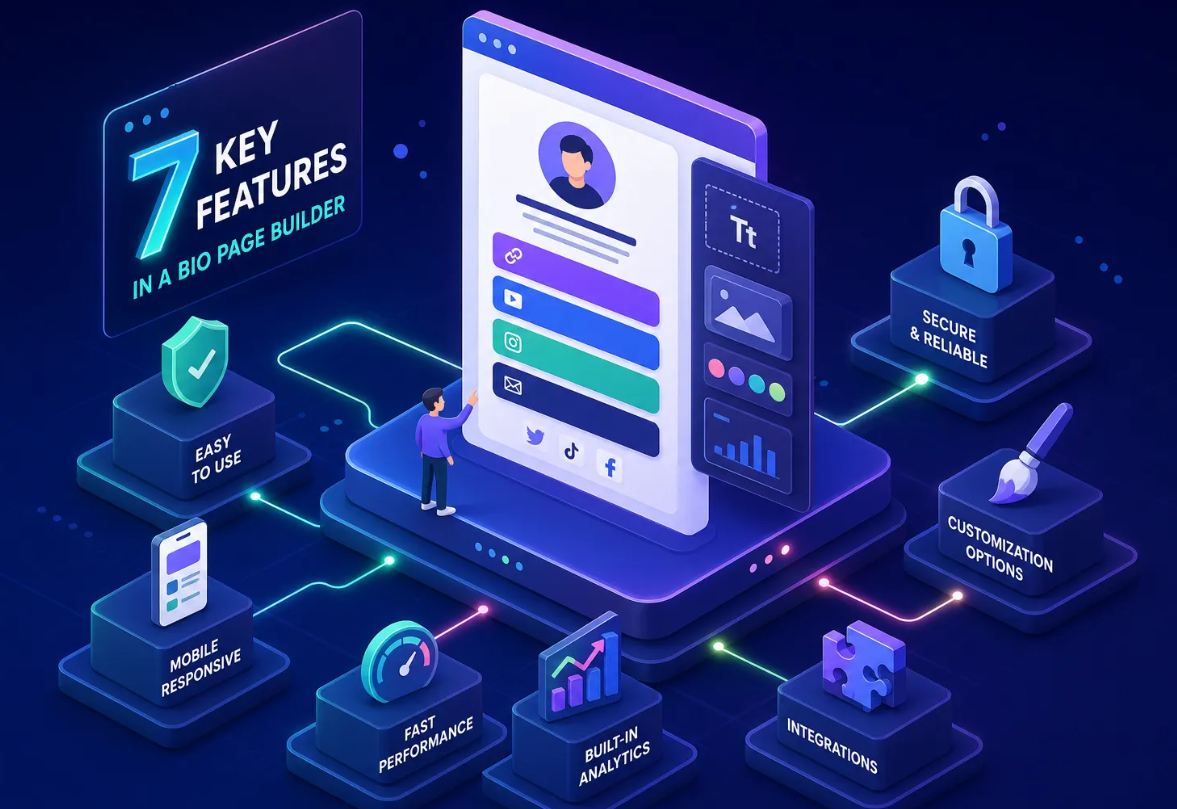
When someone taps your Instagram bio link, they land on a clean page with your profile photo, a short tagline, and a vertical stack of tappable buttons. Each button goes somewhere different: your store, your podcast, your booking calendar, your latest drop. It feels like a personal home base rather than a redirect.
A well-designed bio page maintains consistent branding and reduces perceived friction between platforms, so the experience feels seamless from the first tap.
Why one page beats updating your bio every week
The real advantage isn't just convenience. Once your profile URL points to your bio link page, that URL never needs to change again. You update the destinations behind it, not the link itself. That means consistent traffic behavior, no confusion for followers who saved your old bio URL, and no risk of broken links left behind after a campaign ends. The page evolves; the URL stays stable.
Why every creator and small business needs one
.png)
A bio link page isn't a nice-to-have anymore. If you're actively posting on any platform and you don't have one, you're accepting the default outcome: followers who want to take action have to work for it.
Research benchmarks suggest Instagram bio pages convert roughly 2.5% of profile visitors on average, with TikTok sitting slightly higher at 3.8%. Those numbers only hold if there's something worth clicking through to.
The traffic your bio is quietly losing right now
The click is the easy part. Someone watches your content, feels motivated, and taps your profile link. If they land on a homepage with no clear direction, or a product page for something you stopped promoting weeks ago, that motivation evaporates immediately. The traffic isn't lost because people aren't interested. It's lost because the destination doesn't match the intent.
A well-managed bio link page routes that traffic to exactly the right place at exactly the right moment.
How it connects your entire online presence in one tap
Think of your bio page as the central hub of your digital presence. Your YouTube channel, Etsy shop, newsletter signup, podcast, and affiliate links are all accessible from a single tap on any platform where you're active.
This matters especially when you're posting across Instagram, TikTok, and YouTube simultaneously. Instead of fighting the one-link-per-profile restriction on each platform, you solve it once and update one page.
Who benefits most (and why small businesses are catching up)
Content creators who monetize through affiliate links, merch, or course sales need the routing flexibility the most, since their revenue depends on getting followers to specific destinations fast.
Small business owners are increasingly using bio pages as lightweight digital storefronts, especially when paired with QR codes on print materials.
Newsletter builders round out the picture: a bio page with an embedded email form turns social followers into owned-audience subscribers without a third-party form tool or a dedicated landing page.
What features separate a good bio link tool from a great one
Most link-in-bio tools will get you a page with buttons on it. That's the baseline. What separates a useful tool from an actual marketing layer is what happens after someone taps.
The best tools tell you what's working, help you grow your audience directly, and scale with your goals instead of forcing you to bolt on separate tools as you grow.
Analytics: knowing what your audience actually clicks
Without click data, you're managing your bio page by guessing. You don't know which link gets the most taps, where your traffic comes from, or whether mobile users behave differently than desktop visitors.
According to StatCounter data from mid-2026, mobile devices account for roughly 53% of global web traffic, so that device split matters more than many marketers expect.
Good analytics mean per-link click counts, referrer sources, device breakdown, and geographic data. Tools that give you this information let you make decisions based on what your audience actually does, not what you assume they do.
Email collection built directly into your page
One of the most underused capabilities in bio link tools is the ability to collect email subscribers directly from the page, without redirecting followers to a separate signup form or integrating a third-party email tool.
Embedded forms tend to convert at lower rates than dedicated signup landing pages on average, but for warm social traffic that's already engaged with your content, a well-placed form on your bio page can be a meaningful list-building channel. Some platforms include built-in email collection with validation and export options, which means you can grow your list from your bio page without adding a separate email tool just to capture an address.
QR codes, deep links, and the features worth paying for
Dynamic QR codes let you print one code on packaging, flyers, or business cards and change the destination later without reprinting anything. That's a meaningful advantage over static QR codes, which lock in the destination permanently at creation.
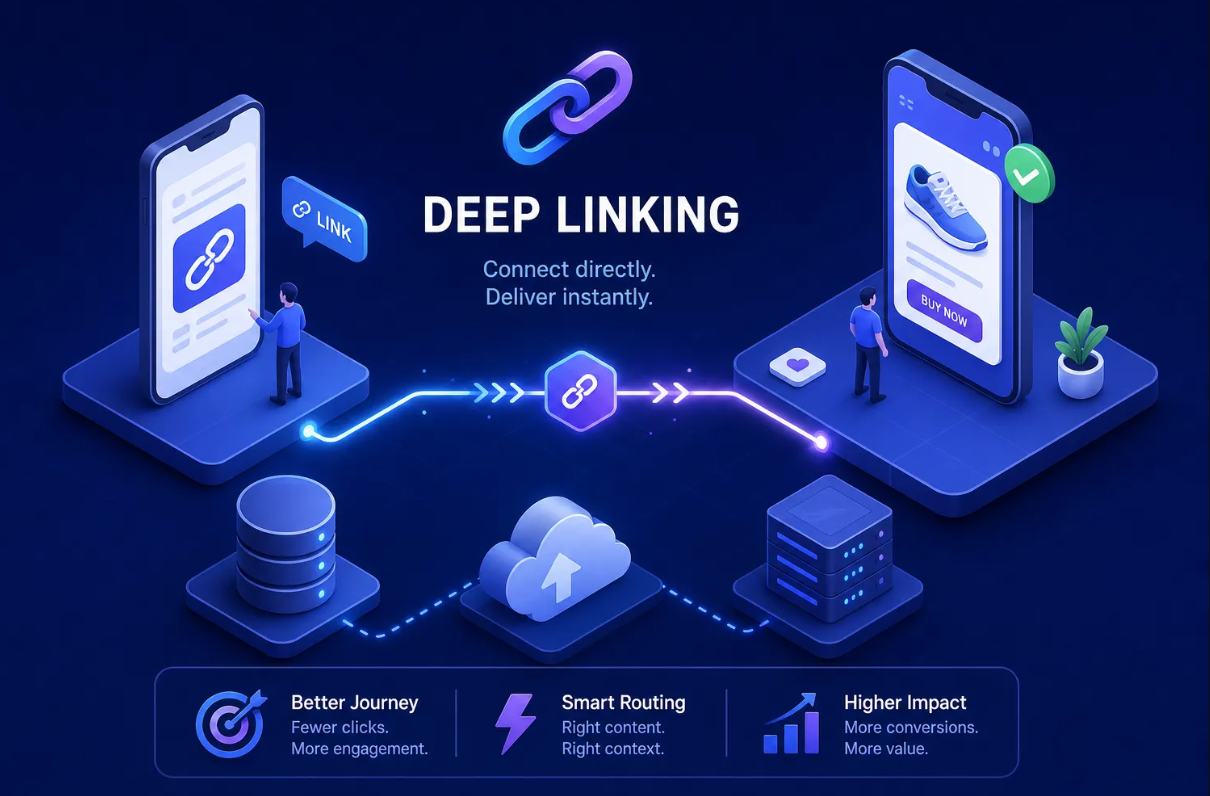
Deep linking routes mobile users directly into a specific screen inside an app rather than dropping them on a generic web page. Add A/B testing for link order and button labels, plus a branded custom domain so your bio URL reflects your brand instead of the tool's name, and you have the feature set that separates a link list from a real marketing tool.
How the major link-in-bio platforms stack up in 2026
The bio link tool market has matured considerably, and the right choice depends on what you actually need. Picking the wrong tool early means either outgrowing it quickly or overpaying for features you don't use.
The simple free options (and where they fall short)
Linktree is the most recognized entry point in the space; Lnk.Bio is a popular low-cost alternative. Both are fast to set up and genuinely fine if all you need is a list of links with basic branding.
The limitations show up when you need real analytics on a free plan, email collection, or anything beyond a static button stack. Linktree's paid plans start around $8–$15 per month depending on tier; Lnk.Bio is cheaper, starting under a dollar monthly, but the trade-off is minimal customization and thin analytics.
These tools solve the one-link problem without giving you much visibility into what happens next.
Tools built around monetization and creator selling
Beacons and Stan Store are designed for creators whose primary goal is selling digital products or memberships directly from their bio page. Both do that specific job well.
Stan Store starts around $29 per month with no free tier, and Beacons sits around $30 per month for its paid plan. If selling directly from the page is your main objective, these are worth evaluating. If you primarily need traffic routing with strong analytics and list-building, the cost may not match the use case.
What an all-in-one platform actually looks like
The most practical setup for creators and marketers who are serious about their bio link combines several capabilities in one dashboard: a multi-link landing page builder, a URL shortener, a QR code generator, an email collection form, and a deep linking layer.
That consolidation matters because stitching together four or five separate tools creates data silos and monthly costs that add up fast.
Binko is built around that all-in-one model, free to start, with Pro features that cover the full picture from branded domains to real-time analytics and dynamic QR codes, all without requiring a separate tool stack.
How to set up a bio page that actually converts
Getting the page live is step one. Getting it to perform is a different project. Most bio pages underperform not because the tool is wrong, but because the setup ignores how social bio landing page traffic actually behaves: people arrive on mobile, they're in motion, and their attention is measured in seconds.
Put your most important link first (always)
The primary action you want followers to take should be the first thing they see, above the fold, without scrolling. This isn't a style preference; it's how mobile users behave. On a phone screen, anything below the visible area gets significantly fewer taps.
Decide what you most want followers to do this week, whether that's buying, subscribing, watching, or booking, and lead with that. Secondary links belong below it, not competing with it for attention.
Design for the phone, not the laptop
Bio page traffic skews heavily mobile. Your button labels need to be verb-first and specific: "Get the free guide" works; "Resources" doesn't. High-contrast button colors help the primary CTA stand out without requiring the visitor to think about where to tap.
Keep the page lightweight so it loads fast, since slow-loading pages create friction before your CTA is even seen. Test the page on an actual phone before publishing; what looks clean on a laptop can feel cluttered on a 6-inch screen.
Track, test, and update regularly
Use your analytics to identify which links get consistent clicks and which ones sit untouched. A bio page rewards active management, not a set-it-and-forget-it approach.
A/B test button labels and link order to see what actually moves your audience. Swap out featured links when your promotions change, because a page promoting last month's launch is actively working against you.
The bio pages that consistently perform are the ones being managed actively, not the ones that were set up in an afternoon and never touched again.
The bottom line on choosing your link-in-bio tool
A bio link page is the highest-leverage thing you can set up for your social presence, and the effort-to-impact ratio is genuinely hard to beat. One URL, one page, and every follower who visits your profile has a clear path forward instead of a dead end.
The right tool depends on where you are and what you need. A minimal free option works if you're just getting started and your only goal is having multiple links available. Once you care about knowing what's being clicked, growing your email list from your social audience, using QR codes in the real world, or running actual marketing campaigns with attribution data, you need a tool that covers the full picture.
That's when the difference between a basic link list and a real marketing layer becomes impossible to ignore.
Binko is built for that next level, free to start, no credit card required. The Pro features, including branded domains, A/B testing, dynamic QR codes, deep linking, and built-in email collection, are the tools that turn your bio link from a link list into a marketing layer.
If you're ready to stop patching together separate tools and start treating your link in bio as the asset it actually is, Binko is the place to start.