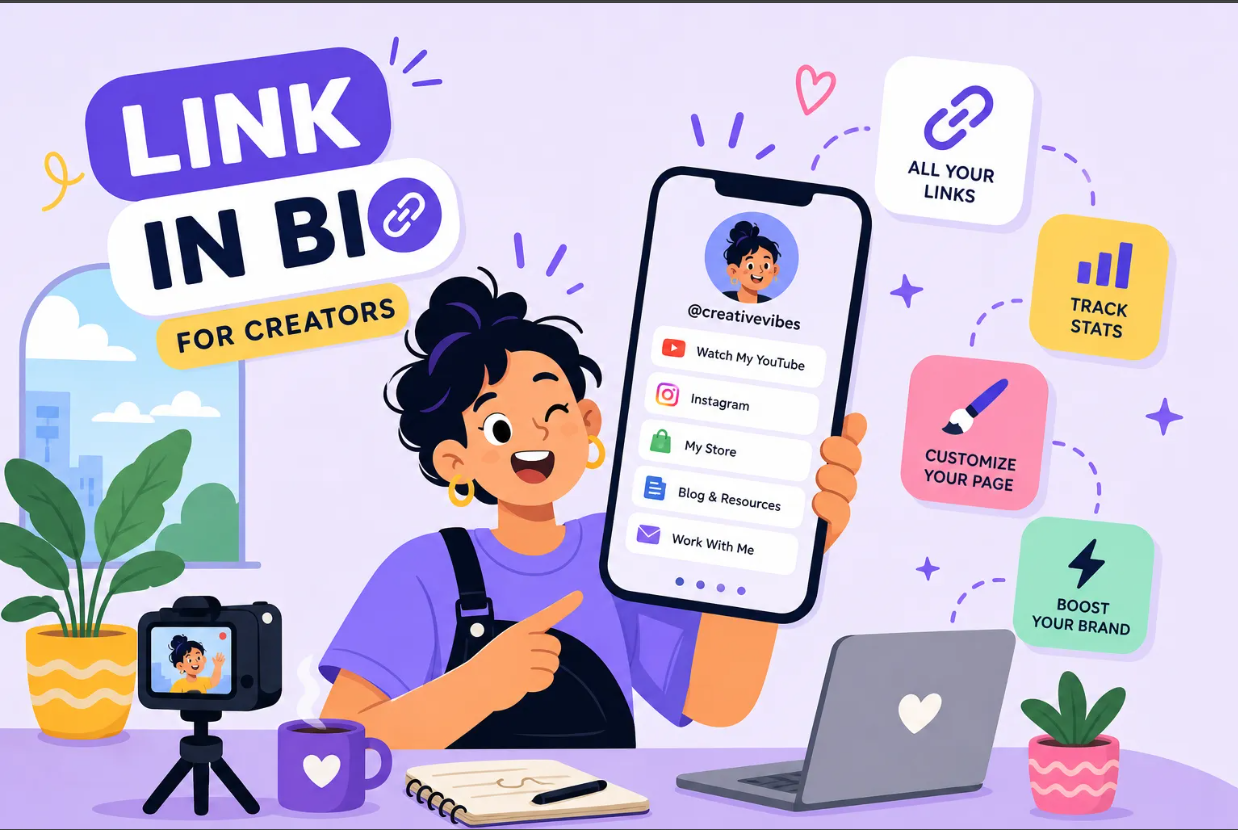
Instagram gives you one link field. You've got a new video to share, a product launching this week, a newsletter signup you've been pushing, and a booking page that needs more traffic. Pasting your homepage URL and hoping for the best isn't a strategy; it's a missed opportunity. A link-in-bio page solves this immediately by turning that single field into a full menu of destinations your audience can actually use.
Wondering how to set up a link in bio page free, without a trial countdown or a credit card? This guide walks you through the whole process: choosing a free bio link creator that doesn't hide its best features behind a paywall, building and publishing your page, adding it to your social profiles, and tracking which links your audience actually clicks. Ten minutes, start to finish.
One platform worth knowing upfront is Binko, an all-in-one link management tool that includes a full bio page builder, built-in click analytics, and a dynamic QR code on its free plan with no credit card required. It comes up throughout this guide because it sets a high bar for what free actually looks like in this space.
How to Pick a Free Bio Link Creator That Doesn't Hide the Good Stuff
Not all free plans are built equally. Most platforms offer a free tier to get you in the door, then lock the features that actually matter behind a monthly subscription. Before you sign up anywhere, you need to know what you're getting.
The features worth prioritizing on a free plan are real click tracking (not just a lifetime count), mobile-optimized link in bio templates, and a reasonable number of links or content blocks. Secondary concerns include whether the platform brands your page with its own logo and whether your URL lives on a subdomain or something professional enough to share publicly.
Linktree is the most recognized name in this space and its free tier works for basic use, but analytics are gated behind paid plans. Beacons leans toward creator monetization. Campsite.bio offers solid mobile design. These are all Linktree alternatives worth knowing, but none include QR code generation on the free tier, and none provide country-level or referrer-level analytics without paying. That's a meaningful gap if you want to know whether your audience is clicking from Instagram in the U.S. or browsing your page from a desktop somewhere else.
Binko's free plan works differently. You get a multi-link profile page with over 49 widget options, an analytics dashboard that tracks clicks by country, referrer, browser, and device, and a dynamic QR code tied to your page. For anyone who wants real analytics and a QR code without a subscription, Binko is the strongest free option available right now.
How to Set Up a Link in Bio Page Free: The Full 10-Minute Workflow
.png)
The actual build process is faster than most people expect. Here's the full workflow from account creation to a live, shareable page.
Step 1: Sign Up and Claim Your Username
Go to Binko (or your chosen platform) and create a free account. No credit card needed. Choose a username that matches your brand handle, since it becomes part of your public page URL. If your preferred username is taken, add a short identifier like your niche or a number to differentiate it without making it look generic.
Step 2: Add Your Links and Decide What to Feature
From the dashboard, add the links you want your audience to see. Think about what matters most right now: your latest video, a product page, a booking link, a newsletter signup. Every link gets a title and a destination URL.
Don't add everything at once. Prioritize the five to eight destinations that align with your current goals and leave the rest for later rotation.
Step 3: Customize the Design and Make It Mobile-Ready
Choose a link in bio template or theme, then set your profile photo, display name, bio text, and brand colors. On mobile screens, button-heavy layouts tend to perform better than text-heavy ones because they're easier to tap and scan.
Preview your page on a phone before publishing. Binko shows a live mobile preview as you edit, which saves you the back-and-forth of publishing and checking manually.
Step 4: Publish and Copy Your URL
Once the layout looks right, hit publish. Your page goes live at your unique URL instantly. Copy that link right away and test it in your browser to confirm everything loads correctly, then you're ready for the next step: getting it in front of your actual audience.
Add Your Bio Link to Instagram, TikTok, and Other Profiles
A published page that no one sees is just a web page sitting in the dark. Getting the URL into your social profiles is the step most people treat as an afterthought, but it's the one that connects your multi-link profile page to your actual audience.
How to Update Your Instagram Bio Link
Open Instagram, go to your profile, and tap "Edit profile." Tap "Links," then "Add external link." Paste your full URL, making sure it starts with https://, and add a short display title so the link is identifiable. Tap "Done" to save.
Instagram currently supports up to five native links in this section, but if you're using a bio page, one link routes visitors to every destination from a single tap. After saving, reopen your profile and tap the link to confirm it loads correctly.
Adding Your Link to TikTok, YouTube, and LinkedIn
On TikTok, go to your profile, tap "Edit profile," then tap "Add" next to the Links section and enter your full URL. YouTube puts the website field under your channel's customization settings in YouTube Studio, typically under "Basic info" or the "Links" section in the channel banner area. LinkedIn handles this through "Contact info" on your personal profile, or through the Admin tools on a company page.
The pattern is the same everywhere: find the profile editor, locate the website or links field, paste your URL with https:// included, and save. Then check your public profile to confirm the link appears and opens correctly.
Track Your Bio Link Clicks Without a Paid Plan
Knowing which links get clicked is what separates a bio page that works from one that just exists. Without click data, you're guessing at what your audience actually wants.
What Free Analytics Typically Show You
Most free bio link tools show total page views and a lifetime click count per link. Referrer data, device breakdowns, country-level traffic, and time-based trends are usually locked behind paid plans.
Binko is an exception. Its free analytics dashboard breaks down clicks by country, referrer, browser, and device from the moment you publish. You don't need to upgrade to find out whether your audience is clicking from Instagram on iOS or landing on your page from a desktop in a different region.
Using UTM Parameters to Go Even Deeper
Even with solid built-in analytics, adding UTM parameters to your destination URLs gives you another layer of tracking through Google Analytics or whatever tool you prefer. A URL like https://yoursite.com/product?utm_source=instagram&utm_medium=bio&utm_campaign=launch tells your analytics platform exactly where each visitor came from and which campaign drove them.
The most common setup for Instagram bio traffic is utm_source=instagram, utm_medium=bio, and a campaign name that matches your current push. For TikTok, swap the source to tiktok and keep the rest consistent. Create one UTM-tagged URL per destination, paste it as the link target in your bio page builder, and the data flows automatically into your analytics reports.
Free-Plan Limits You'll Hit and How to Work Around Them
Free plans have ceilings, and it's better to understand them before you're mid-campaign and frustrated. None of these limits are deal-breakers for getting started, but knowing them upfront saves you from surprises.
Common Free-Plan Restrictions Worth Knowing
Platform branding is the most visible limitation. Many free tools add their own logo or footer to your page, which can undercut the professional feel you're going for. Link caps are another common constraint, with some platforms restricting you to three to five links or content blocks at a time. And most pages live on the platform's subdomain rather than your own domain, so the URL reads as linktr.ee/yourname instead of something tied to your brand.
These are real trade-offs, but none of them prevent you from building a functional, good-looking page today.
Practical Workarounds That Don't Require Upgrading
Keep your page focused. Five to eight high-priority links perform better than a cluttered list of twenty, both for user experience and for the signal clarity you get from your analytics. Rotate links based on your current campaign rather than trying to show everything permanently.
If branding feels like an issue, choose a platform that either minimizes its own logo or gives you enough color customization to make the page feel like yours. Add UTM parameters to all destination URLs so your own analytics compensate for weaker built-in reporting on platforms that limit data.
When you're ready to step up to a custom domain, A/B testing, and smart geo targeting, Binko's Pro plan covers all of that without requiring you to migrate to a new platform or rebuild from scratch.
Your Bio Page Can Be Live Before You Finish Your Coffee
Learning how to set up a link in bio page free genuinely takes about ten minutes. Pick a bio link creator that gives you real analytics on the free tier, build a focused page with your top links, publish it, and drop the URL into your social profiles. That's the whole process, and it immediately gives your audience somewhere useful to go when they tap your bio.
The biggest mistake most people make is either skipping this step entirely or choosing a platform that hides click data behind a paywall. You should know which links are working, where your audience is coming from, and whether your page is pulling its weight. That information should be free from day one.
If you haven't picked a platform yet, Binko is the right place to start. The free plan gives you a full bio page builder with over 49 widget options, detailed click analytics, a dynamic QR code for print and digital use, and no credit card required. Sign up at Binko and get your link-in-bio page live today.
FAQ
What is a link-in-bio page?
A link-in-bio page is a single landing page that holds multiple links. Instead of sharing one URL in your Instagram or TikTok bio, you share a link-in-bio page that lets visitors choose from all your important destinations: your latest video, product pages, booking links, newsletter signups, and more.
How do I create a free link-in-bio page?
Sign up at Binko (no credit card needed), choose a username, add your links, customize the design, and publish. The whole process takes about 10 minutes. Your page goes live at a unique URL you can add to any social profile.
Which free link-in-bio tool has the best analytics?
Binko offers the most comprehensive free analytics among link-in-bio tools. Its free plan tracks clicks by country, referrer, browser, and device. Most competitors lock detailed analytics behind paid plans.
Can I get a QR code for my link-in-bio page for free?
Yes. Binko includes a dynamic QR code on its free plan. You can customize the colors, add your logo, and download it in high resolution for print or digital use. The QR code links directly to your bio page.
How many links can I add to a free link-in-bio page?
It depends on the platform. Binko's free plan supports multiple links and over 49 widget options including video embeds, music players, product showcases, and contact forms. Some competitors limit free users to 3-5 links.
Can I use my own domain for a free link-in-bio page?
Most free plans, including Binko's, use a platform subdomain (like binko.online/yourname). Custom domain support typically requires a paid plan. However, the free URL is still professional enough to share on all social platforms.
How do I add my link-in-bio to Instagram?
Open Instagram, go to your profile, tap "Edit profile," then "Links," then "Add external link." Paste your full link-in-bio URL (starting with https://) and save. Your followers can now tap one link to access all your destinations.
What are UTM parameters and why should I use them?
UTM parameters are tags you add to URLs to track where visitors come from. For example, adding ?utm_source=instagram&utm_medium=bio to your destination links tells Google Analytics that each visitor came from your Instagram bio. This gives you deeper tracking beyond what your link-in-bio tool provides.
Is Binko really free with no credit card?
Yes. Binko's free plan includes a bio page builder with 49+ widgets, click analytics by country and device, a dynamic QR code, and no credit card required to sign up. Paid plans are available for custom domains, A/B testing, and advanced targeting.
How is Binko different from Linktree?
Binko's free plan includes detailed analytics (country, device, referrer) and a dynamic QR code, both of which Linktree locks behind paid plans. Binko also offers 49+ widget options compared to Linktree's basic link format, giving you more ways to customize your page.