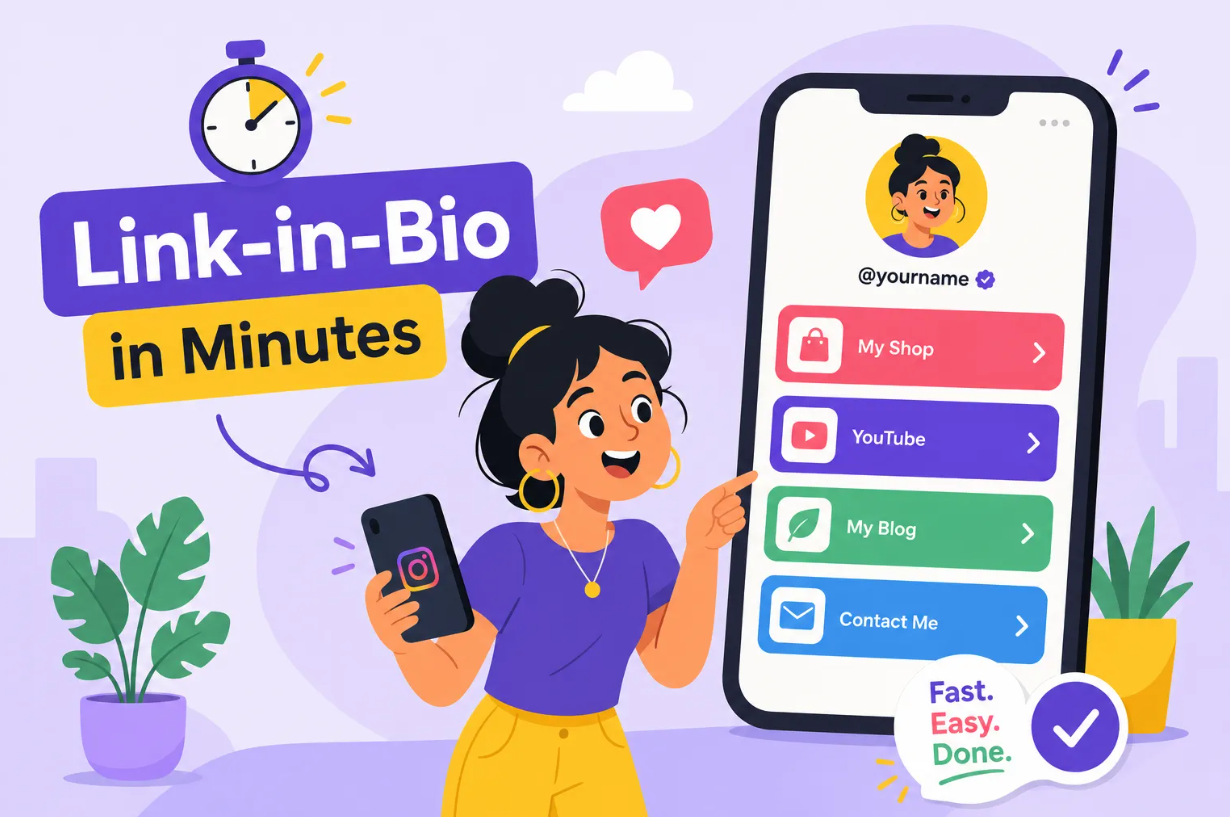
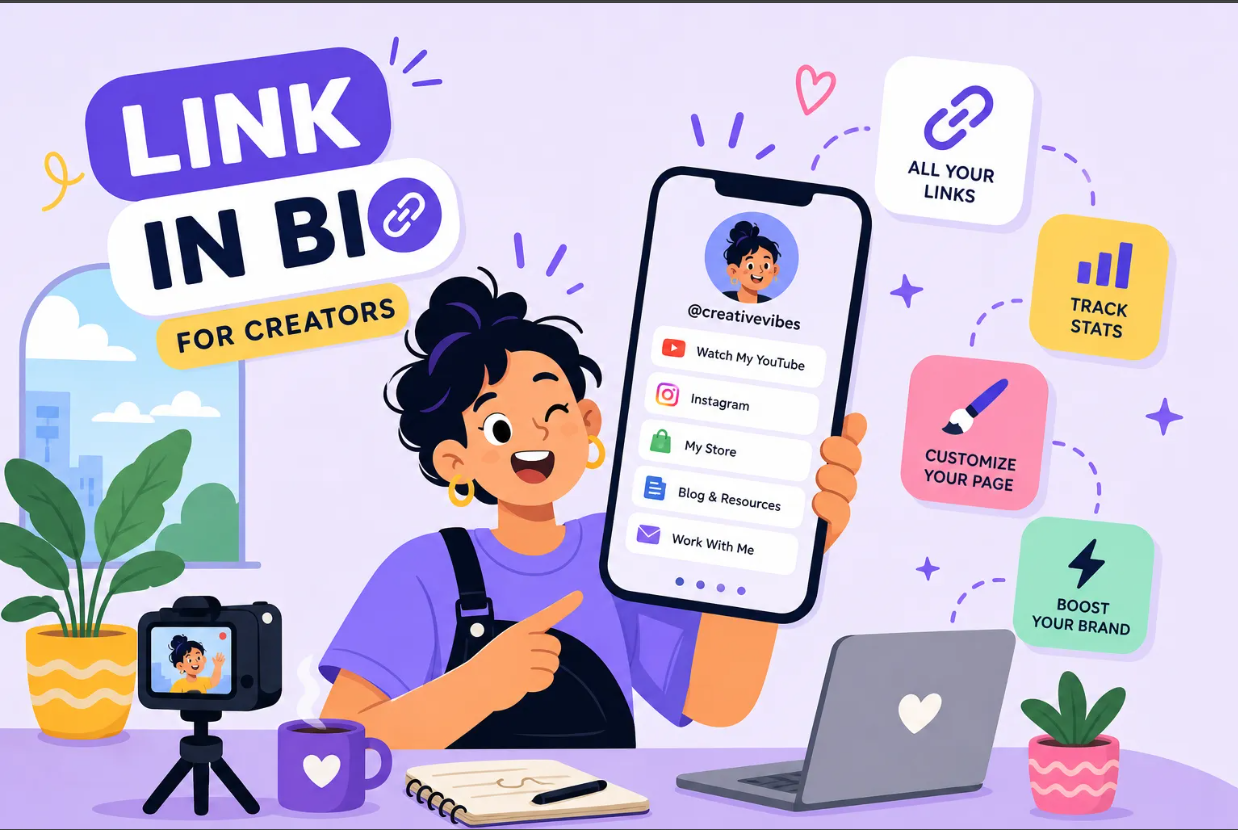
When you want to create a link in bio page that actually drives results, the first thing you run into is a frustrating bottleneck. TikTok exposes a single Website field in your profile. YouTube handles links differently depending on whether you're sending viewers to a description or a community post. And your audience has several places you want to send them, your latest video, your shop, your newsletter, your booking page, a freebie you just dropped.
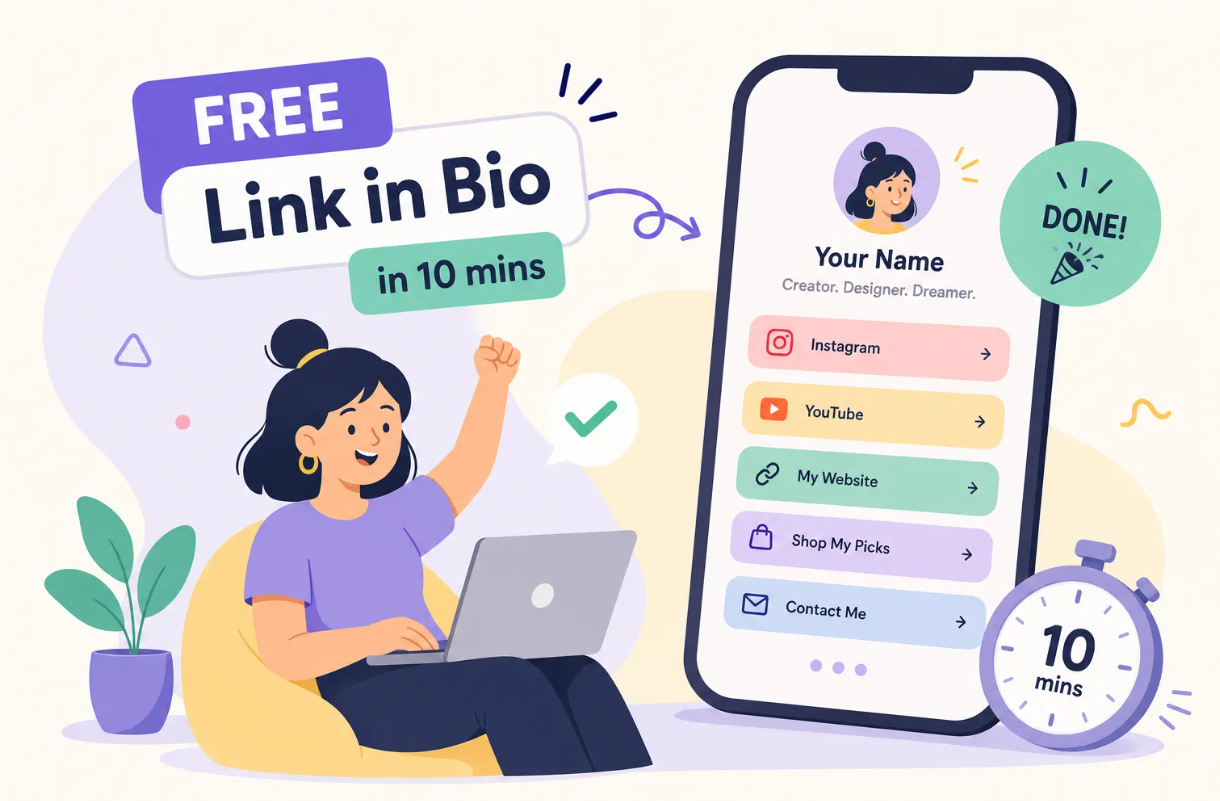
A link-in-bio landing page solves this by turning that one precious URL into a hub that holds every destination. With a tool like Binko, you can have the whole thing live in under 10 minutes without juggling multiple separate subscriptions. By the time you finish reading, you'll have chosen the right tool, built a page people will actually click through, added it to your social profiles, and know how to track what converts.
What a Link in Bio Page Actually Does for Your Audience
Why One URL Can Never Do Enough on Its Own
Many of the social platforms that matter most right now, Instagram, TikTok, YouTube, limit how many links you can surface directly in your profile. Instagram now supports up to five native links in the Edit Profile area, but TikTok still typically exposes just one Website field, and other platforms handle profile links differently. The moment you're promoting more than one thing at a time (which is basically always), that limitation creates real friction.
A bio link page solves this by acting as a lightweight landing page that lives at that one URL and holds every destination you want to send visitors to: your store, your newsletter, your latest content, your booking calendar. The result is less friction for your audience and more control for you.
Instead of constantly swapping out the link in your profile every time you publish something new, your bio page stays current and your followers always land somewhere useful. That URL becomes a permanent hub rather than a temporary redirect.
What Separates a High-Converting Bio Page from a Basic One
Not all bio pages are built the same, and the gap between a high-converting page and a cluttered one is wider than most people expect. The best pages have a clear primary CTA at the top, a short list of links, branded visuals that match your social presence, and button copy that tells visitors exactly what they'll get.
Huda Beauty, for example, puts the shop link first because that's the primary conversion goal, while small businesses using bio pages as lightweight landing pages tend to lead with their current promotion rather than a long menu of options. In practice, pages with 3 to 5 links tend to outperform longer lists because they eliminate choice overload. When every button looks equally important, visitors click nothing. When one button clearly dominates the visual hierarchy, visitors know what to do next.
How to Choose the Right Bio Link Tool for Your Goals
.png)
Free vs. Paid: What You Actually Need to Get Started
Most major bio link makers offer a free plan that covers the basics: multiple links, a few link-in-bio templates, and basic click counts. Tools like Linktree and Lnk.Bio fall into this category. Linktree's free tier includes unlimited links but caps you at surface-level analytics with no custom domain. Lnk.Bio goes further with a lifetime upgrade option, which makes it a solid budget pick.
Free plans across the board are genuinely useful when you're starting out and your traffic is still growing. The upgrade becomes worth it once traffic grows and attribution starts to matter. Paid plans typically unlock branded custom domains, deeper analytics broken down by country and device, A/B testing, and integrations with your email platform or store.
Why Binko Is the All-in-One Alternative Worth Your Attention
Here's the problem with most bio link tools: they solve one part of the puzzle. Linktree handles the bio page. A separate URL shortener handles your trackable links. Another tool generates your QR codes. You end up paying for and managing multiple platforms to do what one should do.
Binko brings five functions together in a single platform: bio page builder, URL shortener, QR code generator, email subscriber forms, and smart deep linking. The bio page builder comes with 49+ widgets, mobile-optimized layouts, and customizable themes that match your brand without requiring any design background.
The built-in analytics dashboard tracks clicks, countries, referrers, browsers, and devices, so you know exactly which buttons perform and which ones nobody touches. Binko also includes A/B testing so you can compare two versions of a link or button, a feature that's less common on entry-level plans across many platforms. You can start free with no credit card required, and the Pro plan unlocks branded domains and advanced targeting when you're ready to scale.
How to Create Your Link in Bio Page Step by Step
Sign Up, Choose a Template, and Set Up Your Profile Block
Start by creating your Binko account at no cost. Once you're in, pick a link-in-bio template that fits your brand or start from a blank canvas. The first block on your page should be your profile section: upload a clear headshot or logo, and write a short headline that tells visitors who you are and what they'll find.
One concise sentence does the job. Something like "Shop my looks, grab my free guide, and catch the latest video" does more work than a generic username and nothing else. Check the mobile preview before you touch anything else. Bio link traffic is almost entirely mobile, so what looks clean on a desktop screen can feel cramped on a phone.
Add Your Links, Widgets, and Brand Customization
Add each destination link with a button label that uses an action verb: "Shop now," "Watch the video," "Download the guide," "Join the list." Vague labels like "Newsletter" or "More info" consistently underperform because they don't tell visitors what they're getting. Put your highest-priority link first, and make sure it looks visually distinct from the rest through size, color, or both.
Binko's widget library lets you go beyond plain links. You can embed an email signup form directly in your bio link page, add a video block, display product cards, or link your social profiles as icons at the bottom. For brand customization, match your page's color scheme to your Instagram or TikTok aesthetic so the transition from your profile to your bio page feels seamless rather than jarring.
Publish and Copy Your Public URL
Before you hit publish, preview every link on a real mobile device and confirm each one loads correctly. Fix anything broken now, not after you've told your audience about it. Once everything checks out, publish the page and copy your public URL.
On Binko's Pro plan, you can set up a branded domain like links.yourbrand.com instead of a generic subdomain, which builds trust with first-time visitors who don't recognize the platform name.
How to Create and Add Your Link in Bio to Instagram and TikTok
Adding the Link to Your Instagram Profile
Open Instagram and go to your profile. Tap "Edit profile," then find the "Links" section below your bio field. Tap "Add external link," paste your bio page URL, add a short display title so visitors see something descriptive rather than a raw URL, and save. Instagram supports up to five native links in this area, but a dedicated bio page gives you significantly more control over design, per-button tracking, and layout than Instagram's built-in link list does.
After saving, test the link from a different account or ask someone else to tap it, and also verify that the display title renders correctly in the link preview. A broken link or garbled label on launch day kills momentum fast.
Adding the Link to Your TikTok Profile
Open TikTok, go to your profile, and tap "Edit profile." Tap "Website," paste your bio page URL, and save. Business accounts sometimes see a slightly different UI here, but the Website field is available to all users. Test the link on mobile immediately after saving. The vast majority of TikTok traffic comes from mobile users, so if the link opens incorrectly on a phone, your click-through rate will reflect it fast.
Design and Copy Principles That Get More Clicks
CTA Placement, Link Order, and How Many Links to Show
Lead with the primary action you most want visitors to take, and make it the most visually dominant element on the page. A 3 to 5 link range tends to produce the strongest per-link click-through rate, a sweet spot that practitioners consistently point to as the threshold before choice paralysis sets in and overall clicks drop.
As a practical guideline, if a link hasn't generated clicks after one to two weeks, remove it or move it below the fold. Visual hierarchy is the key variable most bio pages get wrong. Your top button should look different from secondary links through size, color, or a label with a benefit statement.
Button Copy, Thumbnails, and Mobile-First Layout
Specific copy outperforms generic copy every time. "Download the free meal plan" converts better than "Free download." "Book a 30-minute strategy call" converts better than "Work with me." The more clearly a button communicates what happens after the click, the lower the hesitation.
If you sell products, adding a product thumbnail or photo next to the link turns your bio page into a mini-storefront rather than a plain list. On the layout side, thumb-friendly button sizes, fast load times, and clean spacing are non-negotiable. Heavy image files and cluttered embeds slow down mobile load times, and slow pages lose visitors before they tap anything.
How to Measure Clicks and Track What Actually Converts
What Built-in Analytics Tell You (and Their Limits)
Binko's analytics dashboard shows clicks by link, traffic by country and device, referrer sources, and browser data. This tells you which buttons people tap and which ones they scroll past, exactly what you need to prune, reorder, or rewrite underperforming links. Run this report every two weeks and treat it as your optimization checklist.
Built-in analytics stop at the click, though. They tell you someone tapped "Shop now," but not whether that person bought anything. For full conversion attribution, tracing a purchase or signup back to a specific button, you need UTM tracking on every destination link paired with a tool like Google Analytics 4.
Setting Up UTM Tracking for Full Conversion Attribution
UTM parameters are tags you append to your destination URLs so Google Analytics 4 can identify where traffic came from and what it did after the click. The four tags you need for bio link tracking are utm_source (the platform: instagram or tiktok), utm_medium (the placement: bio), utm_campaign (the initiative: summer-sale), and utm_content (the specific button: top-cta).
A complete example looks like this: https://yourdomain.com/offer?utm_source=instagram&utm_medium=bio&utm_campaign=summer-sale&utm_content=top-cta
Use lowercase and hyphens throughout, avoid spaces, and keep your naming conventions consistent across Instagram and TikTok so GA4 reports are comparable. Once your UTM-tagged links are in place, set up a conversion event in GA4 for the action you care about: a purchase, a signup, a booking. Now you can trace revenue directly back to a specific bio page button, which turns your bio link page from a convenience into a measurable marketing asset.
You're 10 Minutes Away from a Live Bio Link Page
The path is straightforward: create your link in bio page with a tool that does more than one job, build it around one clear primary CTA, add it to your Instagram and TikTok profiles, and track what works. That's the whole system. The difference between a bio page that converts and one that doesn't comes down to fewer links, sharper copy, and consistent optimization based on real click data.
Binko handles every piece of that system in one place, building, tracking, and capturing, free to start with no credit card required. You don't need multiple subscriptions or a technical background. You need one URL that works hard for you every time someone visits your profile.
Sign up for Binko free today and create a link in bio page that's live in under 10 minutes. Your followers are already tapping that link in your bio, make sure what they find is worth the click.
FAQ
How do I create a link in bio page that converts?
Focus on 3-5 links with a clear primary CTA at the top. Use action-oriented button labels like "Shop now" or "Download the guide" instead of generic text. Sign up at Binko (free, no credit card), choose a template, add your links, and publish in under 10 minutes.
How many links should I put on my bio page?
Keep it to 3-5 links. Pages with fewer, focused links get higher click-through rates than long lists. Put your most important action at the top and make it visually distinct from the rest.
What makes a bio page convert better than a plain URL?
A converting bio page has a clear primary CTA, specific button copy that tells visitors what they'll get, branded visuals that match your social presence, and mobile-optimized design. Binko's templates are built for mobile-first conversion.
Can I track which links get clicked on my bio page?
Yes. Binko's built-in analytics track per-link clicks by country, device, browser, and referrer. For deeper conversion tracking, add UTM parameters to your destination URLs and use Google Analytics 4.
How do I add my bio page link to Instagram?
Go to your Instagram profile, tap Edit Profile, tap Links, tap Add external link, paste your Binko URL, add a display title, and save. Test the link from a different account to confirm it works.
How do I add my bio page link to TikTok?
Go to your TikTok profile, tap Edit Profile, tap Website, paste your Binko URL, and save. Test on mobile immediately after saving since most TikTok traffic is mobile.
Is Binko free for creating a bio page?
Yes. Binko's free plan includes a bio page builder with 49+ widgets, click analytics, a dynamic QR code, email capture, and a URL shortener. No credit card required to sign up.
What should I write as button labels on my bio page?
Use action-oriented, specific labels: "Shop bestsellers," "Watch the tutorial," "Download the free guide," "Join my newsletter." Avoid generic labels like "Website" or "More info" since they don't tell visitors what they'll get.
How do I use UTM parameters for bio link tracking?
Append tags like ?utm_source=instagram&utm_medium=bio&utm_campaign=your-campaign to your destination URLs. This lets Google Analytics 4 trace traffic back to specific bio page buttons and measure conversions.
Can I A/B test links on my bio page?
Yes. Binko includes A/B testing so you can compare two versions of a link or button to see which one gets more clicks. This is available on the Pro plan for advanced optimization.