Here's a mistake that costs people real money: you search for a free QR code generator or free QR code creator online, generate a code in two minutes, send the file to the printer, and order 500 flyers. Three weeks later, the destination URL changes. Maybe it's a menu update, a new landing page, or a sold-out product. Either way, every single one of those flyers is now wrong. Reprinting costs more than the original run.
This scenario plays out constantly, and it's entirely avoidable if you know one thing before you start: not all free QR code tools give you an editable, dynamic code. Any reliable free QR code generator worth using should give you two things from the start: dynamic codes you can edit after printing, and scan analytics so you can measure what's actually working.
Binko's free plan includes both, with no credit card required, which is why this guide uses it for the step-by-step walkthrough. By the end, you'll know how to pick the right tool for your use case, configure your code for print, and generate something scan-ready in minutes.
Static vs. dynamic QR codes: the choice that determines your strategy
How a static code locks in your destination
A static QR code bakes the destination URL directly into the pattern of the code itself. The data is embedded at creation time, and that's permanent. If you need to change the destination after printing, you can't. You have to generate a brand-new code and reprint every physical piece that carries it. Think of a restaurant that hard-coded a link to its old PDF menu in a QR code printed on 200 table tents. When the menu changed, every table tent became a problem. That's not a niche scenario; it's one of the most common QR code regrets out there.
What makes dynamic codes worth using from day one
A dynamic QR code stores a short redirect URL inside the pattern rather than the final destination. When someone scans the code, their phone follows the redirect, and the redirect sends them to whatever destination you've set in your dashboard. Change the destination in the dashboard, and the printed code instantly points somewhere new, no reprint needed.
The other major upside is analytics: because every scan travels through the redirect, the generator can log device type, geographic location, and scan time for every single scan. That data turns a passive print element into a measurable marketing channel.
When a static code is actually fine
Static codes aren't always the wrong choice. WiFi QR codes that encode your network name, password, and security type are static by nature and scan instantly without the user typing credentials. vCards for contact information rarely change. One-time event links that expire after a single use don't need editability or tracking. For those situations, a static code from any free QR code maker gets the job done. The problems start when people default to static for use cases that actually require flexibility.
What to look for in a free QR code generator before you commit
.png)
Logo embedding and color customization
A branded QR code, your colors, your logo centered in the pattern, performs better in print because it signals legitimacy to the person scanning it. Someone scanning a QR code on a menu or business card is more likely to trust it when they recognize the brand. The catch is that embedding a logo reduces the pattern's data capacity, so error correction level H (30% recovery) is required whenever a logo is present.
Many free QR code maker tools do support logo uploads, but some watermark the download or strip the logo feature entirely unless you upgrade. Check before you invest time in the design.
SVG and high-resolution downloads for print
A PNG exported at 300 pixels will pixelate the moment it's placed on a business card or banner. For any print application, the generator needs to output SVG, PDF, or EPS. These vector formats scale to any size without losing sharpness, which matters whether you're printing a 2 cm square on a table tent or a 30 cm code on a storefront window.
Free vector downloads are genuinely rare in the QR code tool space. Most platforms reserve SVG and PDF exports for paid tiers. This is one of the clearest ways to distinguish tools that respect free users from ones that don't.
Choosing the best free QR code generator for print: signup walls, watermarks, and scan caps
Free QR code tools typically use one of three friction tactics. Some require account creation just to download the code. Others add a visible watermark to free-tier images, which looks unprofessional in print. The third approach, and the most damaging if you've already printed materials, is capping scans at a low monthly number and redirecting excess traffic to an upgrade page instead of your actual destination.
Read the fine print on any free plan before printing at scale. A tool that caps scans at 50 per month is not a usable free option for a restaurant, a retail shop, or any campaign running at real volume.
How to use a free QR code generator in minutes
The following walkthrough uses Binko, whose free plan includes dynamic QR codes with real-time scan tracking and no monthly scan cap. No credit card is required to get started.
Step 1: Pick your QR type and enter the destination
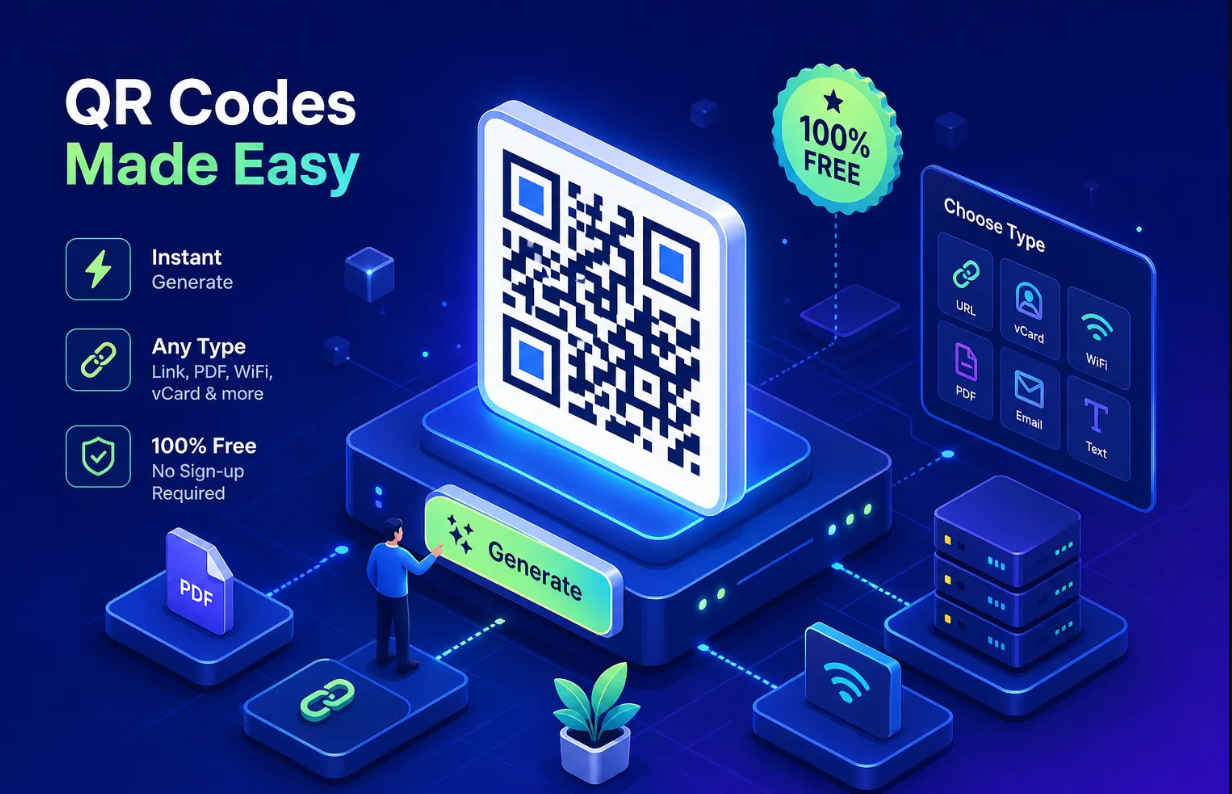
Log in to Binko and select "Create QR Code" from the dashboard. Choose the content type: URL, WiFi credentials, vCard, or social profile. For a dynamic QR code, paste in the destination URL and Binko generates a redirect-based code automatically. The destination is stored in the dashboard, not in the QR pattern itself, which means you can update it at any time after printing without touching the code image.
Step 2: Customize the design
Upload your logo, choose brand colors for the modules and the background, and select a frame style if the design calls for one. When a logo is present, set the error correction level to H before previewing. Preview the code against a light background to confirm strong contrast, dark modules on a white or very light background scan most reliably. If the contrast looks off on screen, it will scan poorly in print.
Step 3: Download in the right format
For digital use such as a website or email, a high-resolution PNG works fine. For business cards, menus, flyers, or any print job, download as SVG or PDF. Binko provides both on the free plan. Before sending the file to a printer, scan the preview with your phone to confirm it resolves to the correct destination, especially when a logo covers part of the pattern. One test scan at this stage saves significant hassle later.
QR code use cases and the settings that make each work
Restaurant menus and in-store signage
A dynamic QR code is essential here because menu destinations change seasonally and promotions rotate frequently. Link to a hosted PDF menu or an ordering page. The recommended minimum print size is 2 × 2 cm for table cards and larger for wall signage where scanning distance increases. Use SVG for the print file to maintain sharpness at any scale. If no logo is embedded, error correction level M is sufficient and produces a less dense pattern that's easier to scan.
Business cards and print collateral
Space is tight on a business card, so a clean, minimal QR design works best. Link to a vCard download or a link-in-bio page that consolidates your contact details, social profiles, and portfolio in one place. Print at a minimum of 2.5 × 2.5 cm for reliable scanning. Use H error correction if the brand logo is embedded in the code. Deliver the file to the designer as PDF or SVG, not PNG.
Social profiles, WiFi networks, and vCards
WiFi QR codes encode the network name, password, and security type directly in the pattern. They're static by design and scan instantly without requiring manual credential entry. vCard codes can also be static when contact information changes rarely. Social profile codes pointing to a bio page are better as dynamic links so the destination can be updated as your profile evolves, products change, or new content goes live. A dynamic link here also gives you scan data, so you can see how many people are scanning your card at events.
Why scan analytics matter (and why most free tools still charge for them)
What QR scan data actually tells you
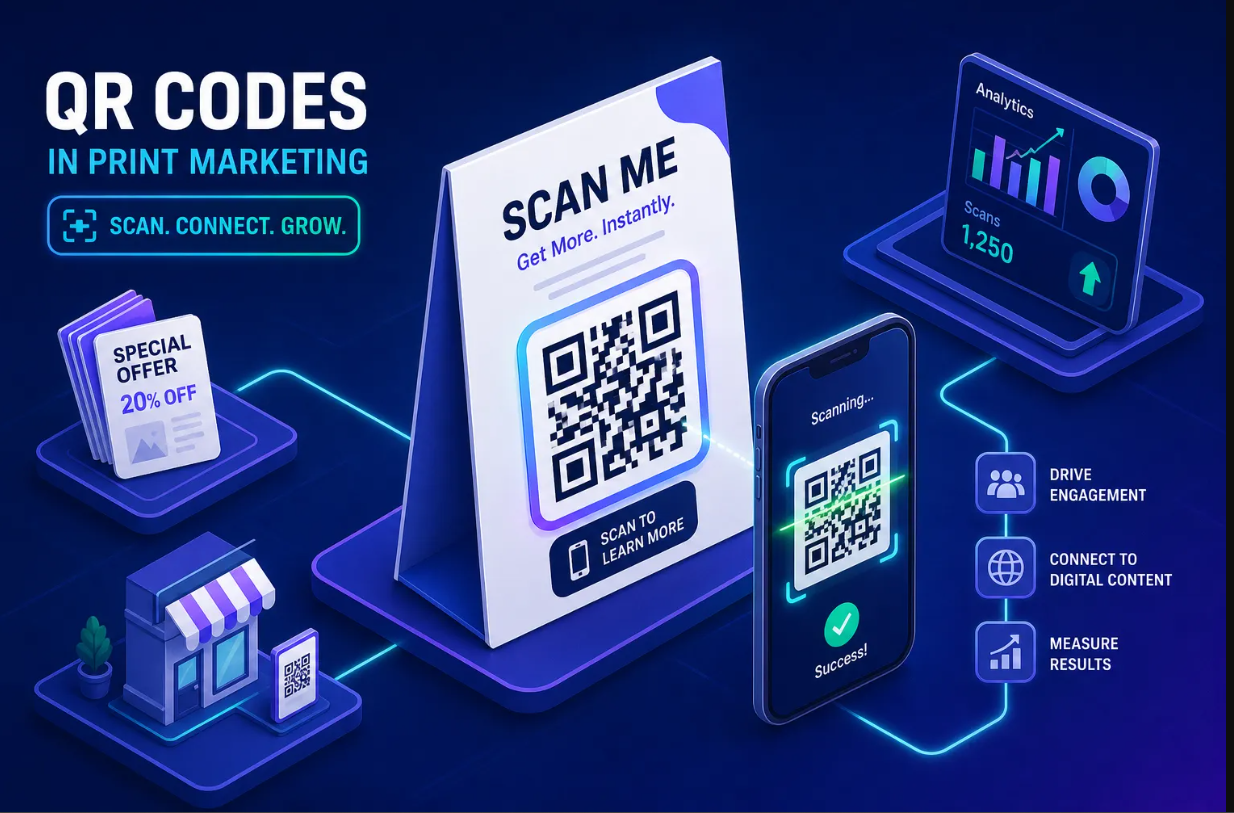
A real-time analytics dashboard shows total scans, unique scans, device type (iOS vs. Android), geographic location, and time of scan. For a restaurant, that data reveals peak scanning hours and which tables see the most menu engagement. For a marketer running a print campaign across multiple locations, it shows which poster or flyer version drove more traffic. Without scan data, a QR code is fire-and-forget. You have no idea whether it's working, where it's being scanned, or which design changes actually moved the needle.
How Binko's free plan gives you tracking most tools charge for
Most free QR code generators, including many marketed as a dynamic QR code generator free online, reserve analytics for paid plans, or cap tracked scans at a number low enough to make the free tier impractical for real campaigns. Binko's free plan includes real-time scan tracking for dynamic QR codes with no monthly scan cap. Every scan logs country, device, browser, and referral source in the same dashboard where you manage your short links and bio page.
That unified view across QR scans, link clicks, and bio page visits is where Binko's free plan pulls ahead of single-purpose free QR code tools. You're not stitching together data from three different platforms; it's all in one place.
The bottom line: build it right the first time
The two decisions that matter most are dynamic versus static and analytics versus flying blind. Get those right, and everything else is a configuration decision. The wrong choice on either front isn't a minor inconvenience, it's reprinting costs, missed campaign data, and QR codes that can't adapt to your business as it changes.
A genuinely useful free QR code generator doesn't ask you to upgrade just to track scans or edit a destination after the code is printed. Binko's free plan covers both without a credit card. Scan analytics, SVG downloads, logo embedding, and dynamic redirects are all available from the first login, no upgrade required.
Start by creating a free account on Binko, generate your first dynamic QR code, and scan it from your phone before a single copy gets printed. That one test scan is the difference between a QR code that works and one that becomes a very expensive lesson.
Create Your First QR Code Free — No Credit Card
Quick start: Sign up at Binko, create a dynamic QR code with your logo, download as SVG, scan it with your phone to test, then send to print. The whole process takes under 10 minutes. Open your free account →
FAQ
What is a free QR code generator?
A free QR code generator is a tool that creates QR codes without charging a fee. The best ones, like Binko, include dynamic codes (editable after printing), scan analytics, logo embedding, and SVG downloads on the free plan with no credit card required.
What's the difference between a static and dynamic QR code?
A static QR code embeds the destination URL directly in the pattern — it can't be changed after printing. A dynamic QR code stores a redirect URL, so you can update the destination anytime from your dashboard without reprinting. Dynamic codes also enable scan analytics.
Can I create a QR code with my logo for free?
Yes. Binko's free plan supports logo embedding with color customization. When a logo is present, set error correction level H (30% recovery) to ensure the code still scans reliably. Preview against a light background for strong contrast before printing.
What file format should I use for print QR codes?
Use SVG or PDF for print applications. These vector formats scale to any size without pixelation. PNG is fine for digital use (websites, emails) but will pixelate on business cards, menus, or banners. Binko provides SVG and PDF downloads on the free plan.
How small can a QR code be and still scan?
The minimum recommended size is 2 × 2 cm for close-range scanning (table tents, business cards). For wall signage or posters where scanning distance increases, make the code larger. Always test-scan at the final print size before ordering a batch.
Can I change the destination after printing a QR code?
Only with a dynamic QR code. Binko's dynamic codes store the destination in your dashboard, not in the QR pattern. Update the URL anytime without reprinting. Static codes can't be changed — you'd need to regenerate and reprint.
Do free QR code generators track scans?
Most free tools either don't include analytics or cap tracked scans at a low number. Binko's free plan includes real-time scan tracking with no monthly cap — total scans, unique scans, device type, geographic location, and scan timestamps.
What's the best free QR code generator for restaurants?
Binko is ideal for restaurants because it offers dynamic QR codes (edit destinations when menus change), real-time scan analytics (track peak scanning hours), SVG downloads for print quality, and no monthly scan caps. Free plan, no credit card required.
Can I make a WiFi QR code for free?
Yes. WiFi QR codes encode your network name, password, and security type directly in the pattern. They're static by design and scan instantly without manual credential entry. Binko supports WiFi QR code generation on the free plan.
Why are scan analytics important for QR codes?
Scan analytics tell you how many people scanned your code, when, where, and on what device. Without this data, a QR code is fire-and-forget — you have no idea if it's working. Binko's dashboard shows real-time scan data across QR codes, short links, and bio pages in one unified view.