You craft the perfect social post, drop in a link, and watch the engagement flatline. Nobody clicks. Meanwhile, the link itself looks like someone sat on a keyboard: a jumble of random characters behind a domain nobody recognizes. That's not a content problem. That's a trust problem, and the link is causing it.
The fix is simpler than most people expect, a custom short URL that puts your brand front and center. Picture the same post with a link that reads go.yourbrand.com/summer-sale. The destination is obvious before anyone taps. The brand is visible. The hesitation disappears.
Setting up a branded short link is far simpler than most people assume. Platforms like Binko let you do this for free, with your own domain, in a few minutes, no developer, no credit card required. This article covers what a custom short URL actually is, why it consistently outperforms generic links on click-through rate, what to look for when picking a platform, and a clear walkthrough to get your first branded link live today.
What a custom short URL actually is
A custom short URL is a shortened link that uses your own branded domain and a readable path you choose, rather than a generic shortener's domain. The difference is immediately obvious when you see both side by side. A link like bit.ly/3xYz9k and a link like links.yourbrand.com/summer-promo point to the exact same page, but they create completely different first impressions for the person about to click.
Think of it as the difference between handing someone a business card and handing them a Post-it note with a phone number scrawled on it.
The anatomy of a branded short link
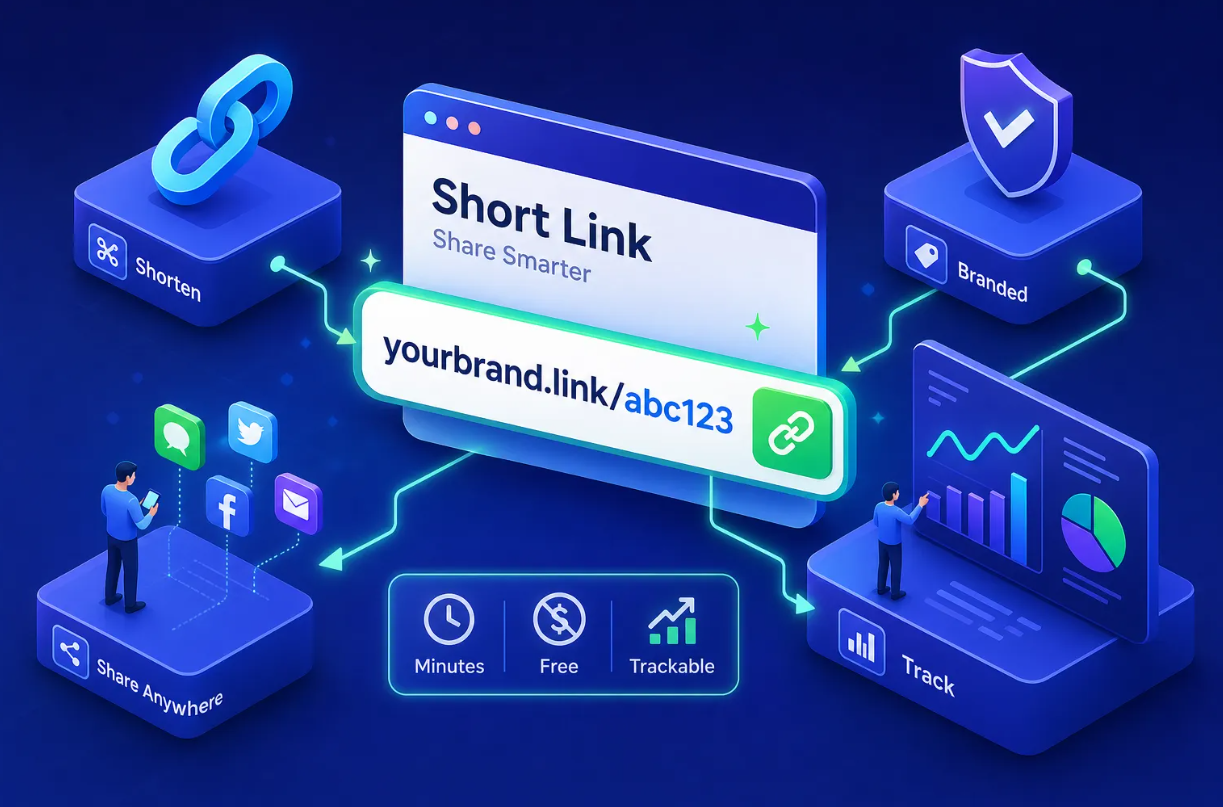
Every branded short link has three parts: the branded domain (the custom domain you own), the slash separator, and the custom slug (the readable path you assign). So in go.yourbrand.com/podcast-ep12, the branded domain is go.yourbrand.com and podcast-ep12 is the slug. Your domain must be purchased separately through any registrar and then connected to your shortener platform via a DNS setting, typically a CNAME record for a subdomain or an A record for a root domain. The shortener platform handles everything after that.
Why custom slugs matter for recognition
A slug like /black-friday or /podcast-ep12 tells the recipient exactly what they're about to open before they tap or click. That single piece of context removes hesitation and builds anticipation. It also makes your links far more useful in spoken contexts: you can say "go to go.yourbrand.com/podcast-ep12" on a podcast or YouTube video and your audience can actually remember and type it. Generic slugs like /a3b9f make that impossible.
A well-chosen slug is essentially a vanity URL, short, readable, and instantly associated with your brand.
Why branded links drive higher click-through rates
.png)
The performance case for branded short links isn't theoretical. People are more likely to click links they recognize and trust, and a link that displays your brand name in the URL gives them a reason to trust it before the click happens. Generic shortened URLs from unfamiliar domains trigger a split-second doubt, the pause where someone decides it's not worth the risk, that branded links sidestep entirely.
The trust and recognition advantage
When your domain appears in the short link, recipients associate it with your brand the moment they see it. This is especially powerful in email campaigns and SMS, where users are conditioned to be suspicious of random shortened links from domains they've never heard of. A familiar brand name in the URL functions like a pre-click endorsement: it signals legitimacy before anyone reads a single word of your copy.
That signal alone moves people from hesitation to action. It's one reason why a purpose-built custom domain shortener consistently outperforms generic alternatives in campaign after campaign.
What the data tells marketers
Branded links consistently outperform generic ones by meaningful margins. Observed industry benchmarks put the click-through rate lift at roughly 34% on average, with email campaigns seeing as much as 35-39% higher CTR compared to generic alternatives and social media campaigns seeing roughly 28-32% improvement. (These figures align with performance data widely reported by link management platforms and digital marketing practitioners; your own results will vary by channel and audience.)
For marketers running paid traffic or newsletter promotions, that lift has a direct financial impact: your effective cost-per-click drops when more of the people who see your link actually click it. That's a compounding advantage across every campaign you run.
What to look for in a custom short URL platform
Not every platform that offers branded links is worth your time. Before you commit to any service, run it against a short checklist of criteria that actually matter for day-to-day marketing work. This framework applies whether you're a solo creator or running campaigns for multiple clients.
Custom domain support and DNS simplicity
The platform must let you connect your own domain without requiring a developer. Look for clear, plain-language DNS setup instructions that cover both CNAME records for subdomains (like go.yourdomain.com) and A records for root domains. Platforms that bury this setup behind support tickets or dense technical documentation add friction that makes the feature feel more trouble than it's worth.
The best custom domain shortener platforms walk you through the exact record to add at your registrar — GoDaddy, Namecheap, Cloudflare — and verify the connection automatically.
Real-time analytics and campaign tracking
A click is only useful if you know where it came from. Prioritize platforms that show you click counts, geographic breakdowns, device types, browser data, and referrer sources in real time, not in a 24-hour delayed report. UTM parameter support is a strong bonus: it keeps your attribution clean inside Google Analytics or whatever attribution tool your team uses, so you can tie short-link clicks to actual campaign revenue without workarounds.
Free tier limits and what they actually include
Many platforms advertise "free" plans that only support generic domains, cap you at a handful of links per month, or lock analytics behind a paywall. Before signing up, confirm three things: whether custom domain support is available on the free tier, how many active links you get, and whether analytics are included or paywalled. Some shorteners limit free accounts to five links per month with no custom domains at all, which makes the free plan essentially unusable for real marketing work.
A true vanity URL service should offer branded links, analytics, and a reasonable link cap without forcing you onto a paid plan on day one.
How to set up a custom short URL with Binko in minutes
Here's the full process using Binko, which includes custom domain support and real-time analytics on its free plan with no credit card required. The whole setup takes under ten minutes if your DNS changes propagate quickly.
Step 1: Create your free Binko account and add your domain
Sign up at Binko with just an email address. Inside the dashboard, navigate to the custom domain settings and enter the domain you want to use for your branded links. Binko shows you the exact DNS record to add, either a CNAME pointing to Binko's hostname for a subdomain like go.yourdomain.com, or A records for a root domain. Add that record at your registrar, then return to Binko and click verify. DNS propagation typically takes anywhere from a few minutes to an hour, depending on your registrar's TTL settings.
Step 2: Create your first branded short link with a custom slug
Once your domain is verified, click "Create link," paste your destination URL, and type in your custom slug. Use something descriptive and campaign-specific: /spring-launch, /podcast-ep24, or /email-promo-aug. Your branded link, your very own vanity link, is live immediately at your custom domain. Setup is instant, with no code and no additional configuration required.
Step 3: Monitor clicks and performance from the dashboard
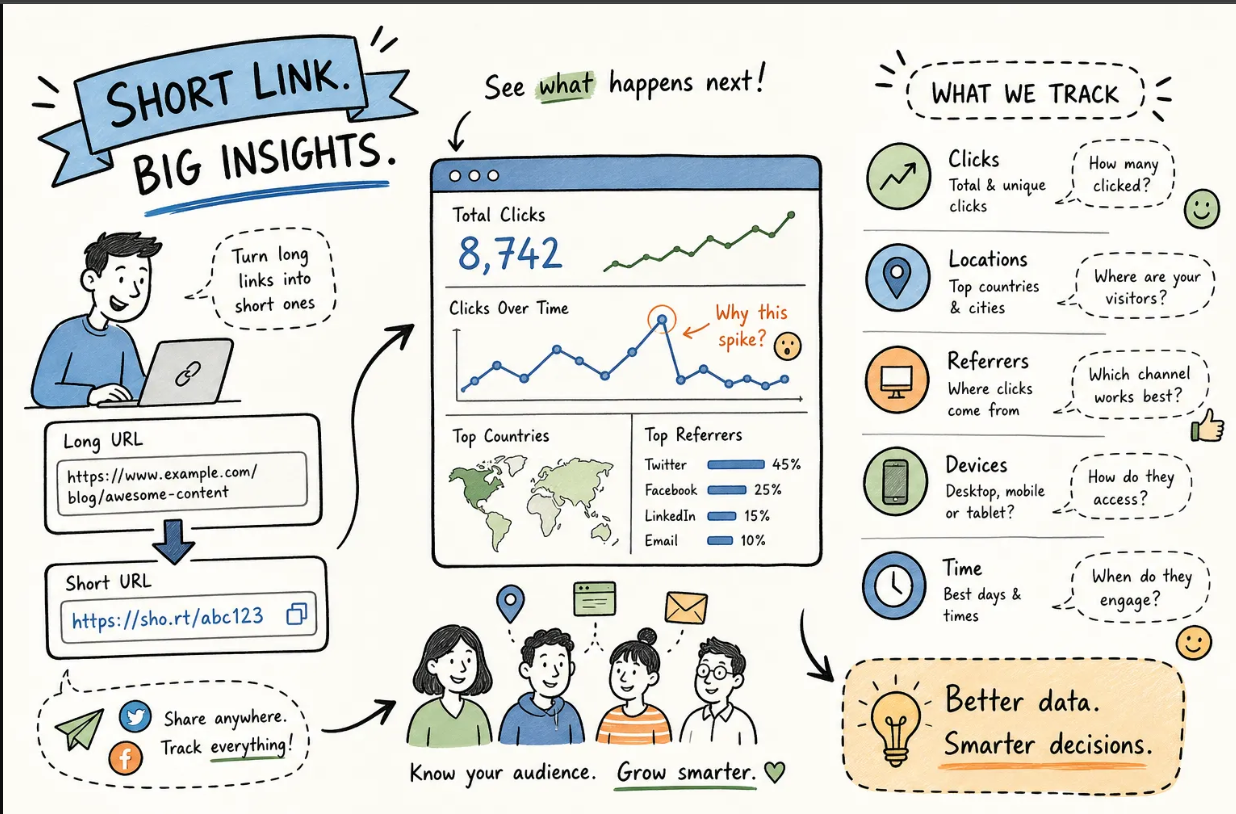
Binko's analytics dashboard shows real-time clicks, geographic breakdowns, device types, browsers, and referrer sources for every link you create. You can track an entire campaign's links from a single view, which is especially useful when you're running the same promotion across email, social, and paid channels simultaneously.
That unified view is where the real value of a link management platform shows up. Instead of piecing together data from three different tools, you see everything in one place and can act on it immediately.
Start Building Branded Links Free — No Credit Card
Common mistakes that undercut your branded links
Most people complete the setup correctly and then immediately undermine the value with small but avoidable mistakes in how they actually use their links day to day. Two patterns come up again and again, and both are easy to fix once you know what to watch for.
Using random or inconsistent slugs
The entire advantage of a custom slug is readability and recognition. Slugs like /a3b9f or /link1 throw that advantage away entirely. Establish a naming convention from day one and stick with it. A consistent format like /[channel]-[campaign]-[month] does two things at once: it keeps your links recognizable to recipients, and it makes filtering and reporting inside your analytics dashboard clean and fast. When every link follows the same structure, spotting underperforming campaigns takes seconds instead of minutes.
Skipping analytics and never revisiting link performance
Creating a branded link and never checking its performance is the equivalent of running an ad and ignoring the results. Set a weekly habit of reviewing your top links in Binko's dashboard: which sources drive the most clicks, which geographies respond best, and which campaign slugs are underperforming relative to expectations. That data directly informs your next campaign's targeting, timing, and channel mix. The analytics are only valuable if you actually use them, and with real-time data available in Binko at no cost, there's no reason not to.
Your branded links should work as hard as your content
A custom short URL is one of the highest-leverage, lowest-effort upgrades any marketer, creator, or small business owner can make. It builds trust before the click, improves click-through rates by a meaningful margin, and gives you clean analytics data that generic shortened links simply can't provide. The setup process (connect a domain, create a slug, share the link) takes minutes with the right platform.
Binko makes the entire workflow free to start. Whether you're promoting a product launch, a podcast episode, a local event flyer, or an affiliate offer, your custom short links should reinforce your brand at every touchpoint. Start with one branded domain, one descriptive slug, and one campaign. Run it, check the analytics, and compare the results to what you were getting before. The difference speaks for itself.
Create Your First Branded Link Free
Quick start: Sign up at Binko, connect your domain, create one branded link, and check the analytics. The whole process takes under 10 minutes. Open your free account →
FAQ
What is a custom short URL?
A custom short URL is a shortened link that uses your own branded domain (like go.yourbrand.com/sale) instead of a generic shortener's domain. It builds trust, improves click-through rates, and reinforces your brand at every touchpoint. Platforms like Binko let you create custom short URLs for free with your own domain.
How do I set up a branded short link?
Create a free Binko account, add your custom domain in the dashboard, add the DNS record at your registrar (CNAME or A record), verify the connection, then create your first branded link with a custom slug. The entire setup takes under 10 minutes.
Do branded links improve click-through rates?
Yes. Industry benchmarks show branded links outperform generic ones by roughly 34% on average, with email campaigns seeing up to 35-39% higher CTR. When your brand appears in the URL, recipients trust the link before clicking, which removes hesitation and increases engagement.
Can I create custom short URLs for free?
Yes. Binko's free plan includes custom domain support, real-time analytics, and link creation with no credit card required. You get 50 short links, 1,000 monthly clicks, and full analytics across all your branded links.
What's the difference between a CNAME and A record for custom domains?
A CNAME record maps a subdomain (like go.yourdomain.com) to the shortener's hostname. An A record maps a root domain (like yourbrand.com) directly to an IP address. Most platforms support both — Binko walks you through the exact record to add based on your setup.
How many custom domains can I add?
It depends on the platform. Binko allows custom domains on its free plan. Short.io allows up to 5 custom domains on its free tier. Some platforms limit free users to one custom domain or require a paid plan for domain support.
Can I change the destination URL after creating a branded link?
Yes. One of the biggest advantages of using a custom short URL platform is that branded links are dynamic — you can update the destination URL at any time without breaking the link or losing analytics. This is essential when landing pages change or campaigns end.
Do custom short URLs affect SEO?
Custom short URLs using 301 redirects pass link equity to the destination page. They don't harm SEO for your destination pages. Use them in social posts, email campaigns, print materials, and QR codes without worrying about search rankings.
Can I track analytics on custom short URLs?
Yes. Binko's analytics dashboard shows real-time clicks, geographic data, device types, browsers, and referrer sources for every branded link. You can track entire campaigns from a single view across email, social, and paid channels.
What's the best free custom short URL platform?
Binko is the best free option because it combines custom domain support, URL shortening, a link-in-bio page builder, and QR code generation in one free account with unified analytics. No credit card required.