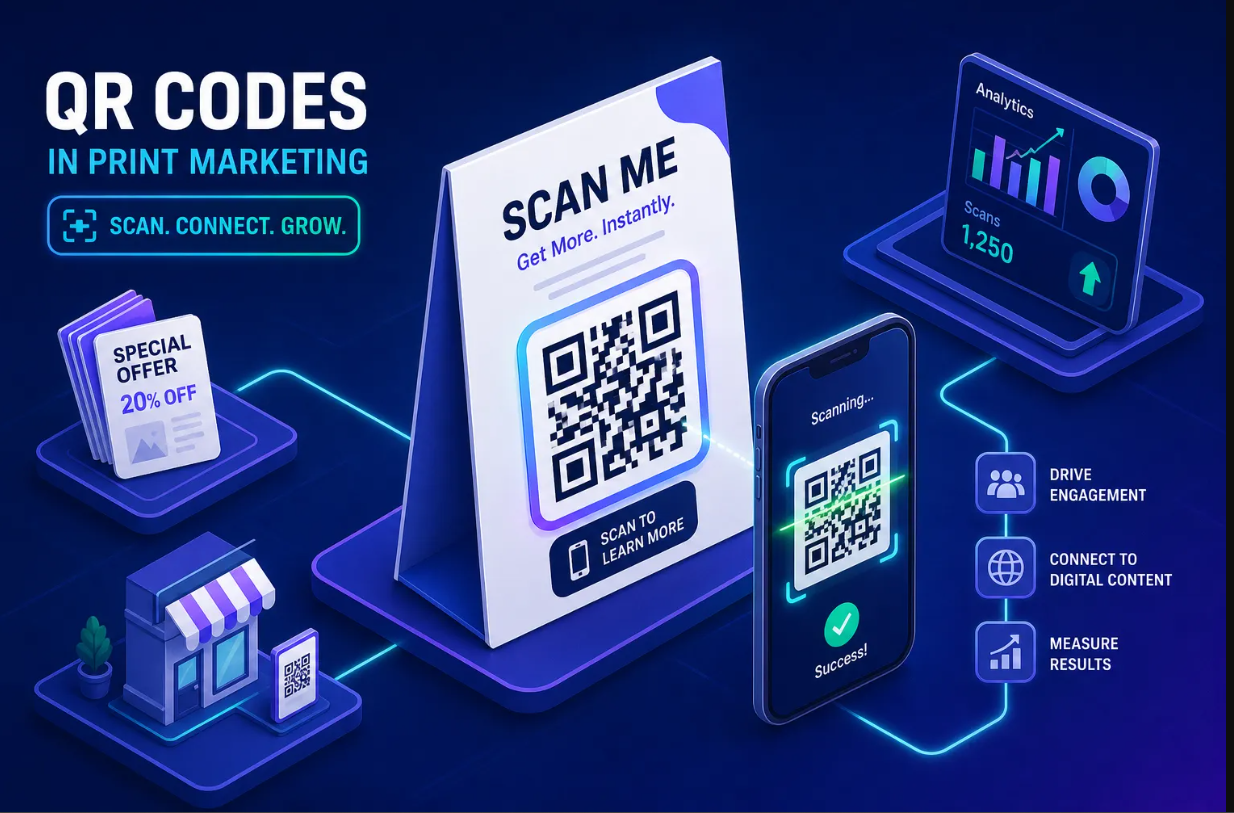
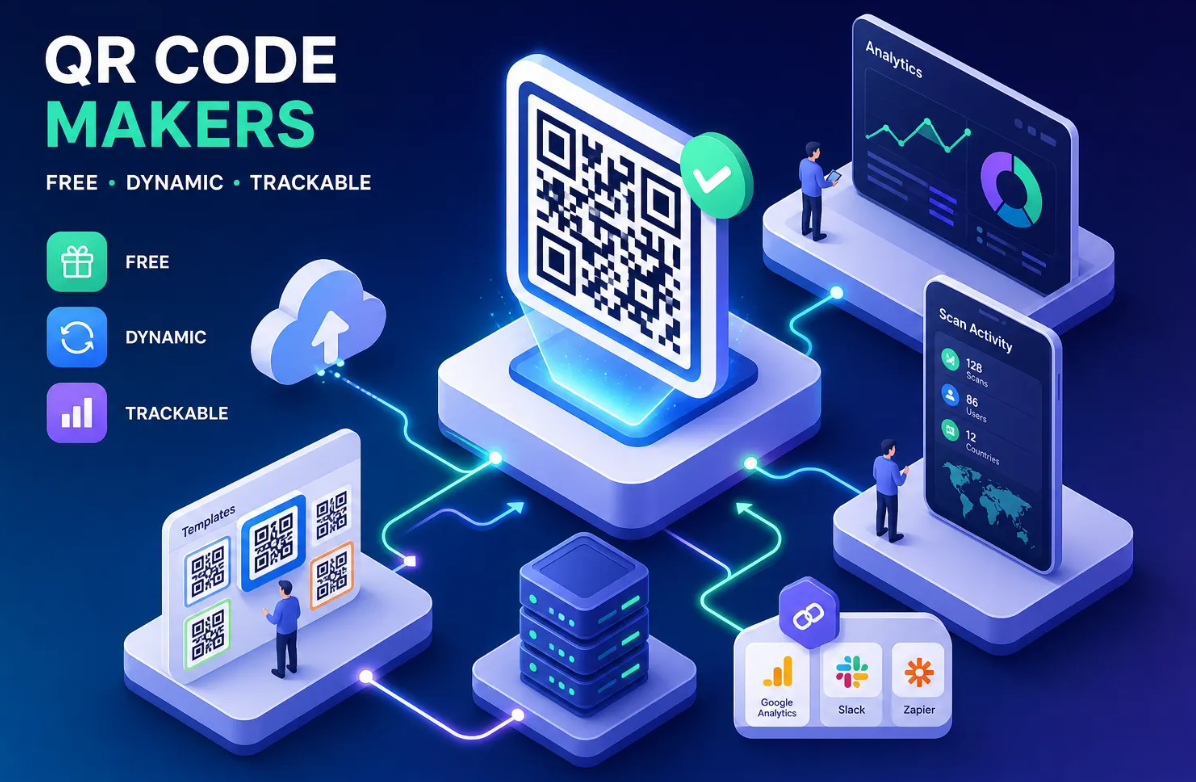
Dynamic QR codes are scannable codes that let you change the destination URL at any time — without reprinting the code. If you have ever printed a QR code on packaging, a poster or a business card and later wished you could update where it points, a dynamic QR code is exactly what you need.
Static vs Dynamic QR Codes
To understand dynamic QR codes, it helps to know how they differ from the static version.
Static QR codes encode the destination URL directly into the pattern. Once printed, the link is permanent. If the URL changes, the code becomes useless.
Dynamic QR codes encode a short redirect URL managed by a QR code platform. You can update the destination link at any time through your dashboard, while the printed code stays the same. The physical code never changes — only where it points.
This difference makes dynamic QR codes far more flexible, trackable and cost-effective for any real-world use case.
How Does a Dynamic QR Code Work?
.png)
When you scan a dynamic QR code, the scanner first hits a redirect server operated by the QR code platform. That server checks the current destination URL and redirects you there instantly. Because the redirect happens server-side, the scan feels instant — typically under 200 milliseconds.
Behind the scenes, the platform logs every scan: the timestamp, device type, operating system, approximate location and referrer. This data powers the real-time analytics that make dynamic QR codes so valuable for marketing teams.
Why Dynamic QR Codes Beat Static for Marketing
Dynamic QR codes are the standard choice for modern marketing because they offer three critical advantages:
1. Edit Without Reprinting
Print a dynamic QR code on 10,000 product packages and you can change the destination link anytime. Switch from a product page to a seasonal campaign, update a broken link, or redirect to a new landing page — all without touching a single printed item.
2. Real-Time Scan Analytics
Every scan generates data. Track total scans over time, see which cities drive the most traffic, identify peak scanning hours, and compare performance across different print locations. Static QR codes give you zero data.
3. A/B Testing and Smart Redirects
Point the same QR code to different destinations based on rules. Show one landing page to mobile users and another to desktop. Rotate between URLs to split-test which page converts better. Use time-based rules to show different content on weekdays versus weekends.
Common Uses for Dynamic QR Codes
Dynamic QR codes appear across industries:
- Product packaging — Link to manuals, warranty registration or recipe pages you can update seasonally
- Restaurant menus — Update your digital menu without reprinting table cards
- Event posters — Point to a registration page, then switch to a photo gallery after the event
- Business cards — Change where your QR code leads as your career or projects evolve
- Real estate signs — Update the listing link when a property status changes
- Print advertising — Track exactly how many scans each magazine or billboard generates
- Retail displays — Swap promotions without replacing signage
Dynamic QR Code vs Static QR Code: Quick Comparison
| Feature | Static QR Code | Dynamic QR Code |
|---|---|---|
| Edit destination after printing | No | Yes |
| Scan analytics | No | Yes |
| A/B testing | No | Yes |
| Print dependency | Must reprint to change | Print once, update forever |
| Best for | Permanent URLs you will never change | Marketing, campaigns, anything that evolves |
Are Dynamic QR Codes Safe?
Dynamic QR codes are just as safe as static ones — safer, in fact, because you can revoke or redirect a compromised link instantly. Reputable QR code platforms use HTTPS redirects, encrypted data storage and access controls to keep your codes and analytics secure.
If a destination URL is compromised, you can update the dynamic QR code to point to a safe page within seconds, while a static QR code would continue directing scanners to the dangerous link until the physical code is replaced.
How to Create a Dynamic QR Code
Creating a dynamic QR code with Binko takes under a minute:
- Go to the QR Codes section in your Binko dashboard
- Enter the URL you want the code to point to
- Customize the colors and add your logo if desired
- Download the code in PNG, SVG or PDF format
- Print it anywhere — then update the destination anytime from your dashboard
Every dynamic QR code created on Binko includes real-time analytics, custom colors, logo embedding and unlimited edits — all on the free plan.
When Should You Use a Static QR Code Instead?
Static QR codes still make sense when the destination URL will never change. For example, linking to your company homepage, a permanent resource page or a URL shortener link that you already manage elsewhere. If you do not need analytics or future edits, a static QR code is simpler.
Key Takeaways
- Dynamic QR codes use a redirect system that lets you change the destination URL without reprinting
- They provide real-time scan analytics including location, device and timing data
- You can A/B test, smart-redirect and update destinations at any time
- They are the standard choice for marketing, packaging, signage and any print material
- Binko lets you create unlimited dynamic QR codes with analytics for free