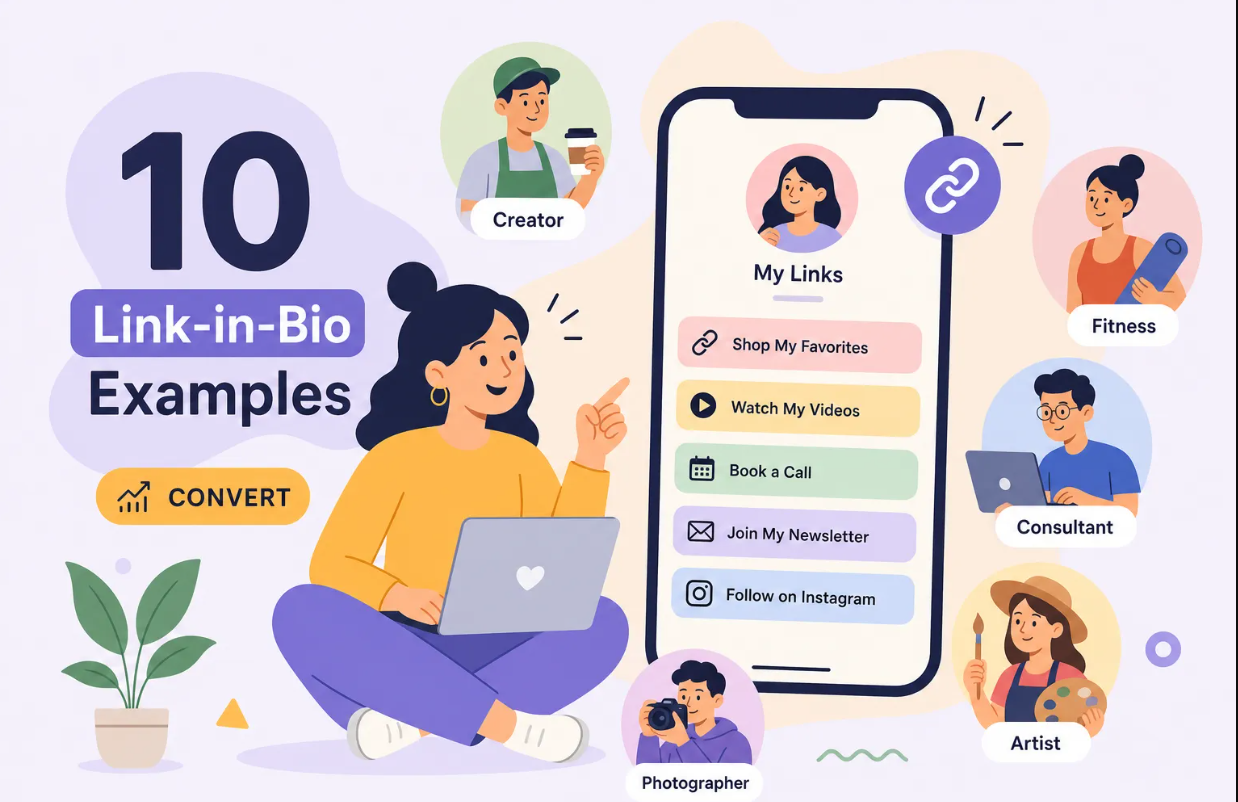
Your Instagram link in bio is the only clickable doorway from your profile to everything else you've built, and most creators treat it like an afterthought. Instagram gives you more organic reach than almost any other platform, but exactly one spot in your profile where followers can actually go somewhere.
This guide covers how to set up your Instagram link in bio correctly, what to put there, how to build a landing page that converts mobile visitors, and how to know which links your audience clicks most. By the end, you'll have a clear system for turning one small URL into a real marketing channel.
About 73% of creators already use a third-party bio link tool, according to a 2026 survey by Influencer Marketing Hub. The other 27% are leaving analytics, conversions, and email captures on the table. Whether you're in the first group or the second, this guide will help you get more out of your profile link, starting with the basics.
How to add and edit your Instagram link in bio
Adding your first link on iOS and Android
The process is nearly identical on both platforms. Open the Instagram app, go to your profile, tap Edit profile, then tap Links, and hit Add external link. Paste your URL, add a title if you want one, and tap Done. Some accounts still show a simple Website field instead of the Links section, but the end result is the same. One thing worth knowing: editing your profile links only works inside the mobile app. The desktop browser version doesn't support it.
Instagram's current link limits
Instagram now supports up to five native external links per profile. Each link can have a custom title capped at 30 characters, and you can reorder them however you like. Your bio text itself is limited to 150 characters. Five links sounds like plenty until you realize you can't see click data per link, can't customize the visual appearance, can't capture emails, and have no conversion tracking built in. You get five URLs and a list, nothing more.
When one link outperforms five
Splitting your audience across five separate destinations fragments attention. A single Instagram bio link pointing to a well-built multi-link landing page almost always outperforms five unstructured native links. You get a unified experience, consistent branding, and the ability to track everything in one place. Everything that follows is about making that one link do more work than five ever could.
What to actually put in your Instagram link in bio
.png)
Start with one primary destination
The most common mistake is linking to a homepage and calling it done. Your bio link should lead somewhere with a clear next step for your specific audience: a product page, a lead magnet, a newsletter signup, or a content hub. Before you pick the URL, define your single most important conversion goal. Everything else is secondary.
How to decide which supporting links to include
If you're using a multi-link landing page (and you should be), keep your total number of links between three and seven. Any more than that and visitors scroll past without clicking anything. Researchers call this effect choice paralysis. Prioritize links based on where you want audience attention this week, not what feels complete. Swap them out as your campaigns change.
What to leave out
Avoid linking to your website's homepage, your other social profiles (people are already on social media), or anything that requires context to understand. Every link on your bio page should be self-explanatory within two to three words. If a visitor needs to think about what a link does, they won't tap it.
How to build a bio link page that converts on mobile
Visual hierarchy comes before design
Structure matters more than aesthetics. Lead with your profile photo or logo, follow it with a one-line value statement that explains exactly who you are and what you offer, then place your primary CTA button front and center. Make it large, high-contrast, and impossible to miss on a phone screen. Secondary links come after that, and social proof or an email signup form sits at the bottom.
Mobile-first design rules that actually move the needle
Over 90% of Instagram traffic arrives on mobile devices. That means tap targets need to be at least 44x44 pixels, buttons need breathing room between them, and your page needs to load in under three seconds. A 2017 Google mobile benchmark study found that a 100ms delay in page load can cut conversions by roughly 7%.
Binko's bio page builder is designed around these constraints: it's built mobile-first, with gradient customization and 49+ widgets, so you're not manually wrestling with an unoptimized layout or testing button spacing across six different phone sizes.
The CTA language that gets clicks
Skip vague labels like "Click here" or "My stuff." Use outcome-based button text that tells visitors exactly what happens when they tap: "Shop the collection," "Book a free call," "Get the guide." Visitors decide in under two seconds whether to act. Make the benefit obvious from the label alone, and you've already done most of the conversion work.
How to track which links your audience clicks most
What Instagram's native analytics actually show you
Instagram Insights gives you a single metric called "External Link Taps." It tells you that someone clicked your bio link, but nothing about which button they tapped, what device they used, where they're from, or whether they converted after clicking. That's one data point where you need twenty. It's not enough to make smart decisions about what to change or promote next.
Using UTM parameters to track bio link traffic in GA4
Add UTM parameters to every destination URL in your bio page. A solid baseline looks like this: utm_source=instagram, utm_medium=bio, and utm_campaign= with whatever campaign name fits. Tag each button differently using utm_content so you can separate "newsletter" clicks from "shop" clicks inside Google Analytics 4, which lets you see not just who clicked, but who stayed on your site and completed a conversion.
Keep your naming lowercase and consistent; clean GA4 reports make week-over-week comparisons far easier to act on.
Why real-time bio link analytics changes how you optimize
UTMs tell you what happened after the click. To know the specifics of each click (which link, country, device, and time of day), you need click-level tracking at the bio page itself. Binko's analytics dashboard captures all of this in real time: clicks per link, referrer sources, geographic breakdown, and device data. Instead of waiting for a weekly report or toggling between three different tools, you can see what's working within hours and adjust the same day.
That speed of feedback is what separates creators who grow from creators who guess.
Choosing the right bio link tool for your setup
How the main options compare
Linktree is the most recognized name in the link-in-bio aggregator category and works fine for a simple link list. Beacons leans toward creators who want to sell products or take payments directly from their bio page. Lnk.Bio is a budget-friendly minimalist option with unlimited links and basic analytics. Later's Linkin.bio is useful if your workflow is already built around Later's scheduling features.
All of them cover the basics, but each one requires separate tools if you need URL shortening, email collection, or deep bio link analytics.
The hidden cost most creators overlook
Running multiple tools creates fragmented data. If your bio page lives in one platform, your email capture lives in another, and your analytics live in a third, you're constantly stitching numbers together to understand what's actually driving growth. That stitching wastes time and quietly corrupts the decisions you make from the data. The real cost isn't the subscription fees. It's the decisions you can't make confidently because your data is split across tools that don't talk to each other.
Why Binko is worth a look before you commit
Fragmented toolsets are a solvable problem. Binko consolidates the four things creators and marketers actually need: a mobile-optimized bio page builder, a URL shortener with branded domains, a real-time analytics dashboard, and email list collection with smart validation. All of it runs from one free dashboard with no credit card required. If you're just getting started, the free plan is ready in minutes. If you're scaling, features like A/B testing, smart targeting by country and device, and API access are available when you need them.
For anyone who wants one place to manage their entire link strategy without duct-taping tools together, Binko is a clean, capable starting point.
Put your Instagram link in bio to work
Your Instagram link in bio is the only clickable doorway from your profile to everything else you've built. Get the setup right, be intentional about which links you include, build a mobile-optimized landing page with clear CTAs, and track every click with real data. That combination turns a passive profile feature into an active part of your marketing strategy.
The average bio link CTR sits around 1 to 3% of profile visits for most accounts, but optimized pages with strong CTAs and fast load times regularly hit 4% or higher. The difference between those two outcomes is almost always structure and tracking, not luck. Start with a clear goal, build around it, and let the click data tell you what to adjust.
If you want a tool that handles the page building, tracking, and email capture all in one place, Binko has a free plan that's ready in minutes. Start there, watch your click data, and let what you learn drive every decision after that.
Build Your Instagram Bio Link Free — No Credit Card
Quick start: Sign up at Binko, build your bio link page in 5 minutes, add UTM parameters to your destination URLs, and track every click from your Instagram profile. Open your free account →
FAQ
How do I add a link to my Instagram bio?
Open the Instagram app, go to your profile, tap Edit Profile, then tap Links, and hit Add external link. Paste your URL, add a title, and tap Done. Instagram supports up to five native external links, but for better tracking and conversions, use a single link pointing to a multi-link landing page built with Binko.
What is a link in bio on Instagram?
A link in bio is the clickable URL in your Instagram profile. It's the only way to drive traffic from your profile to external pages. Most creators use a link-in-bio tool like Binko to build a multi-link landing page that captures emails, tracks clicks, and consolidates all your important links in one place.
How many links can I put in my Instagram bio?
Instagram natively supports up to five external links per profile. However, for better analytics, conversions, and branding, use one link pointing to a multi-link landing page built with Binko. This gives you real-time click tracking, email collection, and a mobile-optimized design.
What should I put in my Instagram bio link?
Link to a multi-link landing page that includes your most important content: product pages, newsletter signup, lead magnets, recent content, and social proof. Keep 3-7 links total to avoid choice paralysis. Prioritize based on your current campaign goals, not what feels complete.
How do I track clicks on my Instagram bio link?
Use Binko's analytics dashboard to see real-time clicks per link, geographic data, device types, and referrer sources. Add UTM parameters to each destination URL for GA4 attribution: utm_source=instagram, utm_medium=bio, utm_campaign=[campaign], utm_content=[link-name].
What's the best link in bio tool for Instagram?
Binko is the best free option because it combines a mobile-optimized bio page builder, URL shortener, QR code generator, and real-time analytics in one free dashboard. No credit card required. You get 50 short links, 1,000 monthly clicks, and full analytics across all your links.
Do branded links improve Instagram click-through rates?
Yes. Branded links with your own domain consistently outperform generic shortener domains by 34-39% in email campaigns and 28-32% on social media. When your brand appears in the URL, followers trust the link before clicking, which removes hesitation and increases engagement.
Can I create a QR code for my Instagram bio link?
Yes. Binko's QR code generator creates QR codes for any link. You can add the QR code to print materials, business cards, or product packaging to drive traffic from offline to your Instagram or bio link page. Track scans alongside click analytics in the same dashboard.
How do I optimize my bio link page for mobile?
Ensure tap targets are at least 44x44 pixels, buttons have breathing room between them, and the page loads in under three seconds. Binko's bio page builder is designed mobile-first with gradient customization and 49+ widgets, so your page is optimized for Instagram's mobile-first audience without manual testing.
What's the average click-through rate for Instagram bio links?
The average bio link CTR sits around 1-3% of profile visits for most accounts. Optimized pages with strong CTAs and fast load times regularly hit 4% or higher. The difference is almost always structure, CTA language, and tracking — not luck. Binko's analytics help you identify what works and adjust in real time.